Zillow 3D Tour vs. Matterport: Which Is Right for Your NYC Listing?
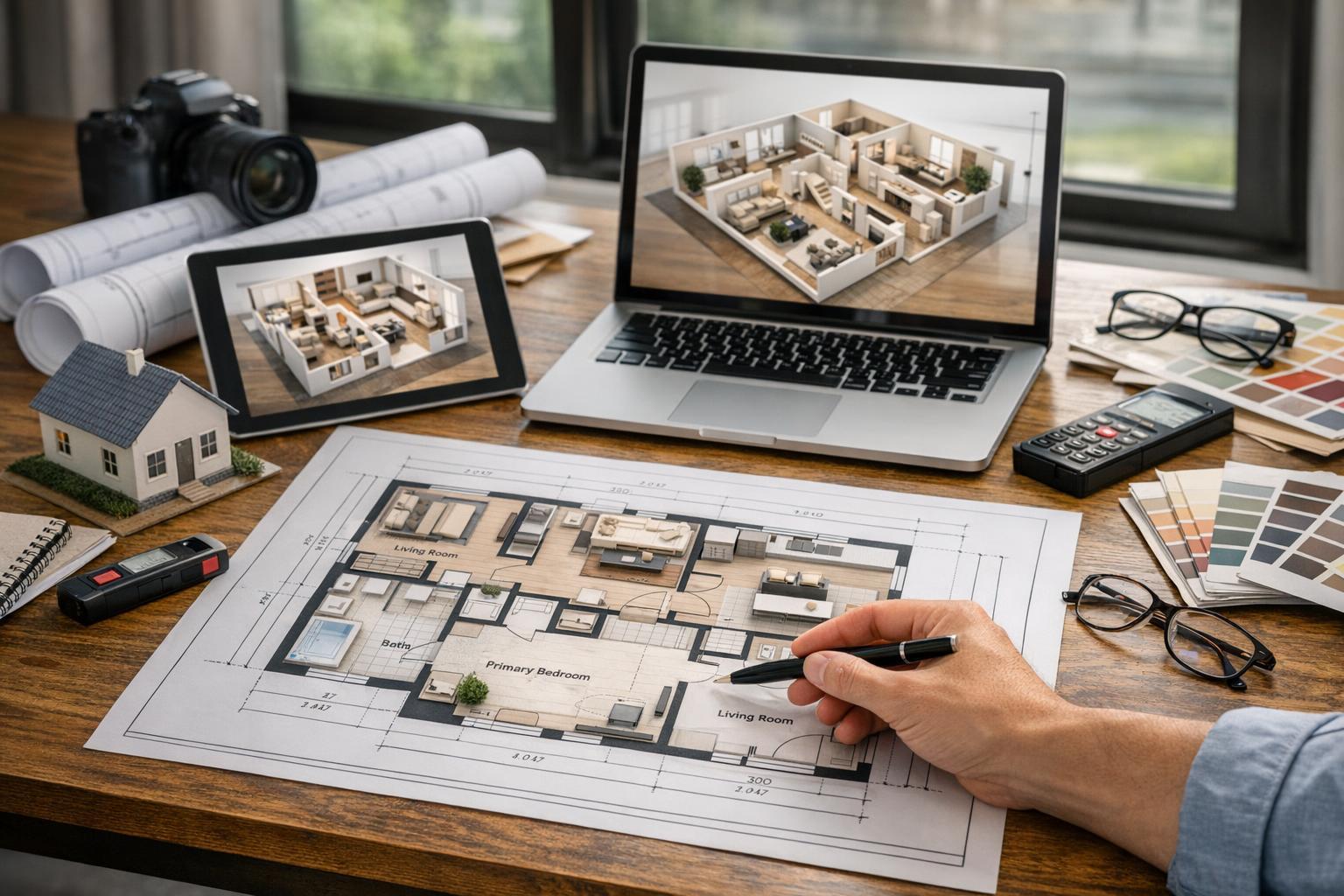
Explore the spacious modern living room with city views and open kitchen through the Zillow 3D Tour.

Zillow 3D Tour vs. Matterport: Choosing the Right Interactive Experience for Your NYC or NJ Listing
A zillow 3d tour is now one of the most recognized ways to offer buyers and renters a virtual walk-through, but the choice between Zillow 3D and Matterport isn’t always automatic. If you’re a real estate professional in New York City or New Jersey, your decision shapes how someone experiences — and truly understands — a property before ever setting foot inside. That process starts well before scanning begins and continues through tour delivery, sharing, and the real-world questions that media should answer for your listing.
What a 3D Home Tour Captures (and What It Doesn’t)
Both Zillow 3D Home and Matterport tours are built from a physical scan, not just a set of existing photos. On site, a technician moves through the property and captures scans or panoramic images from selected points. When combined, these create a connected, room-to-room experience where anyone exploring the listing can navigate at their own pace.
This is a marked contrast to traditional media formats:
- Professional photos are carefully composed to tell a visual story, but always represent fixed points of view.
- Videos can show movement through a space, using deliberate pacing, editing, and music to guide a potential buyer’s experience — but remain linear.
- Interactive 3D home tours shift control to the viewer. They let anyone online choose where to “stand,” which direction to look, and how quickly to move from one space to another.
A scan will always reflect the state of the listing at that time: furniture, decor, clutter, and lighting all become part of the final result. You cannot “build” a 3D tour from photos, floor plans, or PDFs alone. Physical access and on-site capture are essential.
Zillow 3D Home: Streamlined Virtual Walkthroughs for Simpler Spaces
Zillow 3D Home is tailored for navigation simplicity. Viewers click arrows or use screen controls to pop from room to room, with a familiar interface for the Zillow browsing audience. For many NYC listings — particularly Manhattan apartments, smaller condos, or any unit with a straightforward flow — this format balances speed and clarity.
Agents often gravitate to Zillow 3D Home when:
- The layout is open or compact, with logical connections between rooms.
- The marketing plan is firmly rooted in the Zillow platform.
- They want users to quickly click through and re-explore rooms without friction.
- The priority is confirming how rooms connect, not constructing a detailed spatial model.
A classic Manhattan one-bedroom often benefits from this — letting buyers see, for example, whether a galley kitchen connects directly to the living area or whether there’s a defined hallway. It’s a focused solution that answers common layout questions, without introducing a more complex interactive system than a specific property requires.
Matterport: Depth and Spatial Context for Layered or Unique Listings
Matterport tours shine when your listing presents more intricate navigation or architectural relationships. Beyond allowing viewers to travel from room to room, Matterport’s model-style “dollhouse” view and greater spatial detail can give someone online a truer sense of scale and proportion.
Consider Brooklyn brownstones, Jersey City condos with open-plan living and multiple wings, or larger suburban homes throughout New Jersey. These properties might involve:
- Multiple floors or staircases
- Distinctive internal circulation that isn’t obvious in photos
- A blend of public and private spaces, such as parlor floors, garden levels, or amenity-rich developments
- Unusual room shapes, long hallways, or spaces that are difficult to describe in a floor plan alone
With Matterport, remote viewers can survey the property layout more contextually, following their own questions and curiosity through multiple levels or open sightlines. It’s the difference between skimming a chapter and reading the full story.
Practical Comparison: Matching the Tour to the Listing
Choosing between a Zillow 3D tour and a Matterport tour is less about which solution is "better" and more about which serves your listing’s needs. Here’s how real estate media teams think through the decision:
Presentation and User Experience
- Zillow 3D Home: Offers a familiar, guided navigation that reduces interface learning curves for buyers browsing on Zillow.
- Matterport: Supports deeper spatial exploration and a model-like visual, perfect for properties where room relationships, split-levels, or special features need more context.
Property Complexity
For straightforward layouts — like Midtown apartments or smaller condos — a Zillow 3D tour often provides all the detail a buyer needs. Open layouts, clearly defined rooms, and limited square footage rarely benefit from the added layers of a full Matterport scan.
For multi-level homes, brownstones, townhouses with finished basements, or condos with multiple wings, Matterport helps clarify the transitions that static imagery cannot.
Distribution and Marketing Needs
- Zillow 3D Home: Best when Zillow is the primary (or only) marketing channel.
- Matterport: Adds value when your media package needs to be distributed across several platforms — your brokerage site, direct email to remote clients, custom brochures, or social media.
Buyer Questions the Tour Can Solve
Think about the typical buyer questions left unanswered by photos:
- Can I see how the entry leads into the main living areas?
- Is the kitchen truly open, or is it a separate galley?
- Where does that hallway really lead?
- Are bedrooms tucked away from entertaining spaces?
- How does a private terrace or balcony connect back to the living space?
Each tour type addresses certain questions more intuitively, and your choice should match the details that matter to prospective buyers.
Preparation: What Professionals Know Before a 3D Scan
Unlike a traditional photo shoot, an interactive 3D scan "shows it all." That means careful preparation is non-negotiable. The scan will memorialize whatever is visible during capture — from kitchen clutter to misplaced bags, visible cables, or an overlooked pile of mail.
Best practice before a virtual tour appointment:
- Declutter thoroughly: Remove personal photographs, paperwork, pet items, and unnecessary decor.
- Prep for traffic flow: Move excess furniture and open up movement paths so layout and room scale are clear.
- Set lighting: Open blinds if there’s a good view, turn on all functional lights, and replace any bulbs that are out.
- Tidy up exterior access: Balconies, patios, and entry areas are part of the experience.
- Check access: Make sure every door needed for the scan is unlocked, including utility or amenity spaces that matter to the listing.
A scan cannot make a crowded apartment feel open, nor hide what’s left in view. Some occupied homes benefit from basic editing, but a 3D tour will always prioritize realism and spatial context.
If your listing is vacant and you want it to feel more finished, ask about virtual staging — but remember, staging works best on empty rooms after any remaining items have been cleared.
Choosing the Right Tour: Local Context Matters
In New York City, maximizing the power of each media format means matching it to specific neighborhoods and property types.
Compact Manhattan apartments: A clean Zillow 3D Home tour often clarifies the sequence of living space, kitchen, bath, and bedrooms better than a gallery of static images. For alcove studios or basic one-bedrooms, it’s usually about clarity, not immersive modeling.
Brooklyn brownstones: Multiple floors, intricate detailing, and vertical movement are key features. A Matterport tour lets viewers trace the journey from entry up to each private floor at their own pace, especially useful for remote buyers who want a sense of the home’s true rhythm.
Jersey City condos: These can range from no-nonsense studios to dramatic penthouses. The right format will depend on whether you're showing off a simple open-plan or multiple rooms with unique transitions. Use Zillow 3D Home for units where simplicity is an asset, and Matterport for more complex layouts.
Larger New Jersey homes: Split levels, formal dining, attached garages, and sprawling basements benefit from extra spatial context. Matterport can fill in the gaps between photos, floor plans, and written descriptions.
Build a Media Plan, Not a One-Size-Fits-All Package
The most effective listing presentations use a blend of assets:
- Photos: Remain essential for showing finishes, light quality, curb appeal, and special features.
- 3D tours: Let remote prospects dig deeper and answer the spatial questions that photos leave open.
- Video: Best for setting mood and guiding viewers through a space.
- Floor plans: Provide at-a-glance structure and scale — perfect for comparing room sizes and making quick layout decisions.
A virtual tour alone isn't a replacement for quality photography, clear floor plans, or a concise video. Instead, each tool earns its place by solving a real buyer problem for the specific property.
Selecting and Booking With RealtaSnap
If you’re weighing a Zillow 3D Home tour against a Matterport walkthrough, start by asking:
- Will buyers view the home mainly on Zillow, or do you need media that’s portable across multiple platforms?
- Does the home’s flow and scale require a basic room-to-room walk-through, or will a model-based exploration add value?
- Are there elements of the layout that aren’t clear in still photos?
- Is the property vacant, occupied, or staged, and will it be fully accessible for scanning?
- Which visual questions do you need your media to answer?
RealtaSnap captures both Matterport and Zillow 3D tours for listings across NYC, New Jersey, and nearby areas. Our media teams focus on accuracy and ease of use, ensuring every client gets the right solution for their property and marketing strategy.
To see our available services, review examples, or get started:
- Explore our Matterport and virtual tour services
- Book an appointment online
- Contact us for specialized help
Ultimately, matching the tour to your property — not just to perceived value or price point — leads to the kind of buyer or renter experience that builds confidence in your listing.
Visit www.RealtaSnap.com to book, view sample work, or discuss your next project.
FAQ
Question: Can a 3D tour be made from my current listing photos?
Answer: No. Both Zillow 3D and Matterport tours require an on-site scan. Existing photos, video, or PDFs can’t be repurposed into an accurate virtual walkthrough.
Question: Do I need to order photos if I book a Zillow 3D or Matterport tour?
Answer: Yes. Photos are essential for platform listing, marketing materials, and attracting viewers. A 3D tour is best used alongside professional photos to show layout and flow, but they do different jobs.
Question: What are the main service areas for RealtaSnap?
Answer: RealtaSnap primarily covers all five NYC boroughs and the entire state of New Jersey, with select coverage in Westchester County and some Upstate New York projects by approval. If you’re outside these areas, we’ll review availability before confirming.