What to Look for in a Real Estate Video Tour for Your Listing
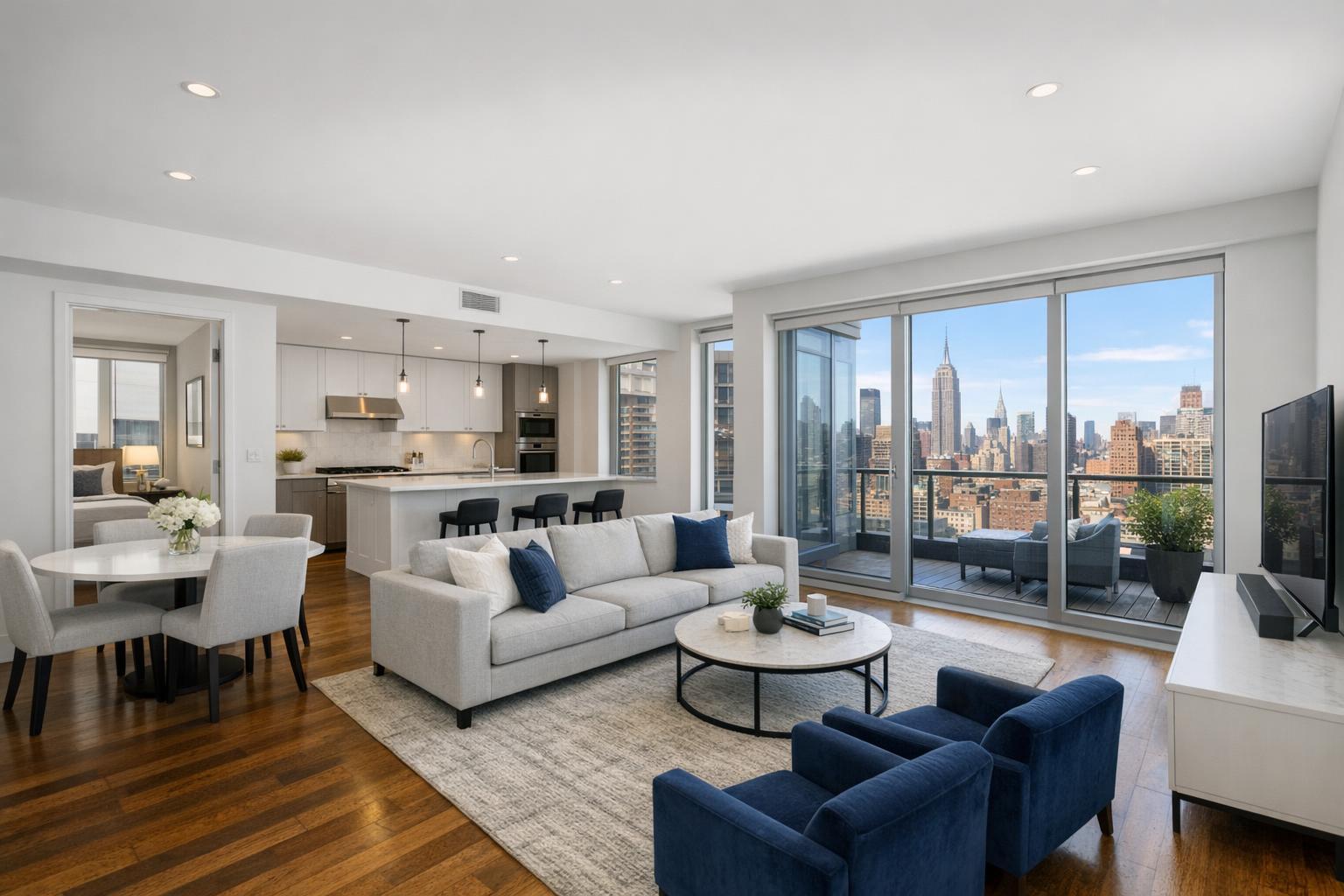
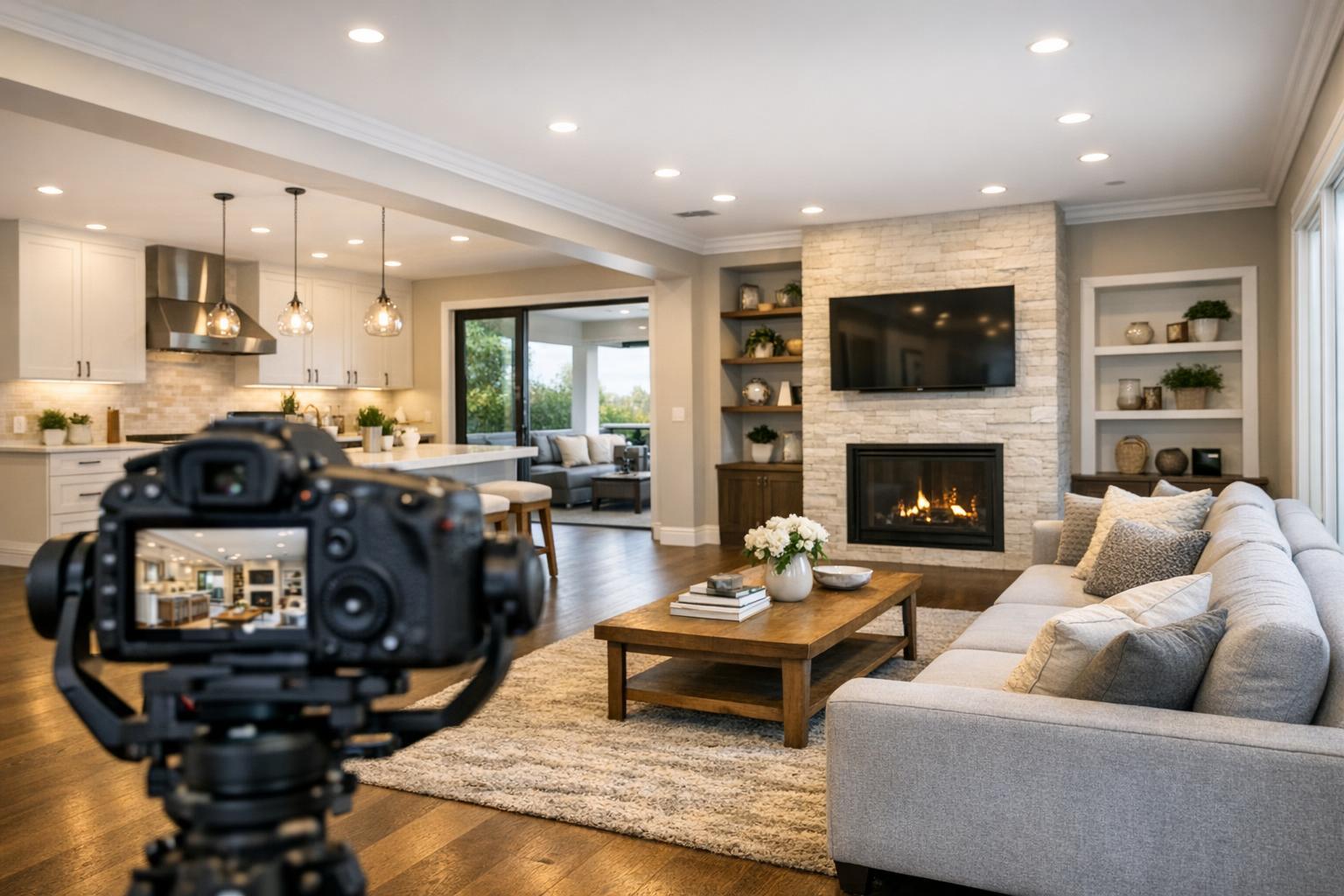
A camera captures a spacious and elegantly designed living room with a modern fireplace and open kitchen, set up for a real estate video tour.
What to Look for in a Real Estate Video Tour for Your Listing
A real estate video tour stands apart as one of the most effective ways to create a sense of movement, atmosphere, and spatial clarity in a property listing. Still photography is key for drawing buyers in—but when you want viewers to understand how rooms connect, how light travels, and what the property feels like from the front door to the garden, intentional video makes all the difference.
RealtaSnap serves New York City, New Jersey, and surrounding markets, and over time, we’ve learned that “add video” isn’t a one-size-fits-all answer. A useful property walkthrough video isn’t just about adding motion—it’s about telling the right story, making the space easier to understand, and showing what’s truly valuable about a specific listing.
Moving Beyond Pretty Rooms: What Makes a Video Tour Useful?
The true strength of a property video isn’t simply showing rooms—it’s showing how those rooms relate. For agents, brokers, or property managers considering a video, the core question is always: will this help people understand and remember the space?
A practical real estate video tour organizes footage in a way that feels natural. For a Manhattan apartment, you might start at the entryway and guide viewers through living areas, highlighting sightlines and transitions. A Brooklyn brownstone often calls for a story that begins at the front steps and parlor floor, winding up through bedrooms or out to a garden. Larger New Jersey homes benefit from sequences that reveal common rooms, suite layouts, and outdoor living spaces, connecting all the functional zones that matter in suburban living.
Video captures several details that are difficult, if not impossible, to communicate through photos alone:
- Room-to-room flow, tracing actual movement and transitions
- Scale and proportion, especially in open layouts or long hallways
- Natural light, as time of day and window orientation come into play
- Architectural features, like staircases, ceiling height, or original moldings
- Lifestyle spaces, including decks, lobbies, gardens, amenities, or rooftop views
- Neighborhood and building context, occasionally showing entrances, streetscapes, or nearby landmarks
Attempting to show every single space—every closet, nook, or utility area—usually makes the video harder to follow. The strongest edits focus on key spaces and features that help a prospective buyer envision not just the look, but the feel, of living there.
Why Movement Matters: Video vs. Photos
Professional photography and video might look similar at a glance, but their roles are completely different in listing media. Photos allow viewers to pause and take in individual features. A video walkthrough adds the missing link: how you actually move through the home.
For example, a steady shot gliding from the kitchen to the dining area doesn’t just show both rooms—it demonstrates how they’re connected and how gatherings might actually unfold. Moving toward a wall of windows lets the changing daylight come to life in real time, showing off not only the view but the atmosphere. Exploring a multilevel home, video makes it clear which stairs lead to private bedrooms or finished lower levels, without the need to spell out every detail in the description.
In many NYC apartments, especially pre-war or unique layouts, a video walkthrough can clarify walls, entries, and transitions that are hard to decipher with photos or floor plans alone. In suburban homes, it helps viewers grasp flow between kitchen, family room, yard, and other specialty spaces.
Smooth, guided movement anchors the viewer. Pans, abrupt turns, or cinematic effects may look flashy, but often just distract. In skilled hands, the camera leads rather than rushes—helping viewers become oriented and comfortable.
What Should a Professional Listing Video Include?
Real estate videography services aren’t about delivering a generic product. The exact approach should be shaped by the property’s size, layout, audience, and standout qualities. However, a few field-tested principles apply to nearly every shoot:
A Purposeful Start
The opening frames set the tone. Depending on the property, that could mean establishing an exterior, front steps, striking view, lobby, or welcoming foyer. In luxury condos, lobby and amenity areas might play a bigger role; for houses, the approach or garden may be more important.
Prioritizing the Features That Make the Listing Special
Videos should spend most of their time showing off what matters most. A dramatic kitchen, a hand-restored staircase, a custom patio, or truly unique architectural features are worth extra seconds. Share these priorities with your videographer before the shoot—focusing attention and avoiding an edit where every room gets equal, but unmemorable, coverage.
Smooth Pacing and Thoughtful Transitions
Good pacing allows viewers to experience the space naturally, linger where appropriate, and not feel lost or rushed. In a compact two-bedroom city apartment, this could mean a quick, intentional sequence. For a large property with multiple living areas or expansive amenities, a longer and more detailed video makes sense—often with dedicated moments for key building or neighborhood features, or even a brief introduction by the listing agent.
Editing That Supports the Home
The best videos reinforce the listing’s message rather than showcasing the editor’s favorite effects. Music, branding, and graphics should support—not overwhelm—the property. Subtle contact details and brief branding help connect viewers to the agent or brokerage without dominating the visuals.
At RealtaSnap, our standard video delivers a one-minute walkthrough with straightforward logo and contact overlays. Premium options add custom branding, amenities, and neighborhood coverage, and the Premium + Interview tier may feature agent-guided narration when the property’s story requires it. The best edit is the one that fits the listing, not just the production team’s template.
For more on our video solutions, see RealtaSnap’s real estate videography page.
What Video Isn’t: Slideshow and 3D Tour Distinctions
It’s easy to mistake a basic photo slideshow for a video tour, but in practice they’re very different tools. A slideshow flips through still images with transitions—nothing moves except the slide itself. True listing videos require on-site capture, following intentional routes and revealing changing perspectives. This matters for both accuracy and clarity: viewers are seeing exactly what exists at the time of the shoot, not a hypothetical walking path built from static photos. RealtaSnap, for example, always captures video at the property; we don’t create “walkthroughs” from existing photos or architectural renderings.
A 3D virtual tour provides yet another experience—an interactive, self-navigated exploration where viewers control direction and pace. These are great for out-of-town buyers or when a deep dive into every detail helps, but they don’t guide the viewer in a set sequence or narrative the way a video does.
Consider video when you want to:
- Control the route and focus attention on key features
- Quickly demonstrate spatial flow in an edited form
- Create polished assets for listing promotion or agent websites
- Feature an agent as the property guide
Consider a 3D tour when the buyer needs more granular, self-directed exploration. For many listings, especially those with unique layouts, offering both formats makes sense—video for the big picture, 3D for detail.
Preparing a Property for Video: Realities from the Field
If a photo can hide a little clutter off-camera, video rarely gets that luxury. As the camera moves, it will reveal all sides of a room: corners, floors, counters, and (sometimes) the things you didn’t notice during prep. Time spent planning makes the end result look polished and professional, rather than distracting or haphazard.
Effective prep usually includes:
- Clearing counters, nightstands, bathroom vanities, and other surfaces
- Removing pet items, packages, cleaning tools, and visible cords
- Checking and turning on appropriate lighting, replacing bulbs as needed
- Opening window treatments to maximize appealing light or views (after ensuring windows are clean)
- Arranging access to building amenities, outdoor spaces, or special features you want filmed
- Notifying the video team of any restricted areas or scheduling needs (especially important in large Manhattan or new development buildings)
- Identifying priority features so they receive focus in the shoot
- Deciding whether narration, music, or on-screen explanation benefits the finished video
Occupied homes usually need special attention: personal belongings tend to fill up video frames quickly, sometimes making rooms feel smaller or busier than they really are. A careful edit can help, but the cleanest way to maintain flow is pre-shoot organization.
When to Add Narration or Agent Interviews
Agent narration or homeowner interviews aren’t always necessary, but they’re powerful when a property has a story or a layout that’s hard to interpret visually. Explaining a rare floor plan, the intent behind a custom renovation, or the combination of features (such as an outdoor kitchen, garden, and finished basement in a New Jersey home) helps buyers appreciate aspects they might otherwise overlook. That said, the strongest narration always stays focused—a brief, natural explanation is more effective than squeezing every property detail into a script.
Plan for Where Your Video Will Live
A well-produced horizontal walkthrough is perfect for a listing site or property website—but most agents are now building content for vertical or social media feeds as well. Repurposing horizontal video rarely delivers optimal results. Consider ordering alternate-format edits (vertical, square, or trailer-style) from the start to provide quick-hit teasers or focused social output.
At RealtaSnap, social media alt cuts start at $99 and are fully optimized for the intended channel. These aren’t full replacements for the main walkthrough, but they’re valuable supporting materials that increase exposure in targeted marketing efforts.
If you want to see available alt-format video options, visit the video product page.
Choosing the Scope That Fits Each Listing
A one-minute video may be perfect for a simple apartment, while a premium listing or a larger house may justify adding lobby footage, amenities, or longer narrative sections. For properties with extensive outdoor areas or unique placements (like waterfront homes or houses on large suburban lots), drone footage may be warranted—pending airspace, pilot access, and safety approvals.
In city environments, factors like building access, lobby reservations, elevator usage, and amenity restrictions can all impact what’s practical to film. In the suburbs, sequencing larger lots and gardens requires a different on-site strategy.
The most effective media package always answers the natural questions a buyer will have about the listing—addressing flow, scale, light, and the features that define the property’s unique personality.
Bring Your Listing’s Layout to Life
A real estate video tour earns its place alongside traditional media as soon as the listing requires more than static images can show. When you need to demonstrate how a home feels, how space connects, and what buyers can expect day to day—on-site video is often the clearest, most compelling option.
RealtaSnap provides listing video and alternate-format edits throughout NYC and all of New Jersey, always with on-site capture and property-specific planning. If you’re exploring video options for an upcoming listing or want guidance on what fits your property, visit www.RealtaSnap.com.
FAQ
Question: How long should a real estate video tour be?
Answer: The ideal length depends on the property’s complexity and the intended audience. A focused one-minute walkthrough usually works for standard apartments. Larger homes, premium listings, or properties with extensive amenities may benefit from a longer cut that includes key spaces, neighborhood context, and possibly agent commentary.
Question: Can a video tour be made from listing photos I already have?
Answer: Not for a true on-site video walkthrough. Slideshows of photos can work for presentations, but they don’t provide the motion, guided sequence, or depth of a professionally captured property video. RealtaSnap video tours are filmed on site specifically for each property.
Question: Should every listing include a property walkthrough video?
Answer: Not always. Video is most effective when a listing’s value depends on features like flow, light, unique layout, outdoor space, or architectural detail. For properties with simple layouts and few visual highlights, professional photography might be all that’s needed for the main listing presentation. Video is a worthwhile addition when movement, context, or atmosphere matter to buyers.