Choosing a Matterport Provider in NYC: What Real Estate Agents Should Ask
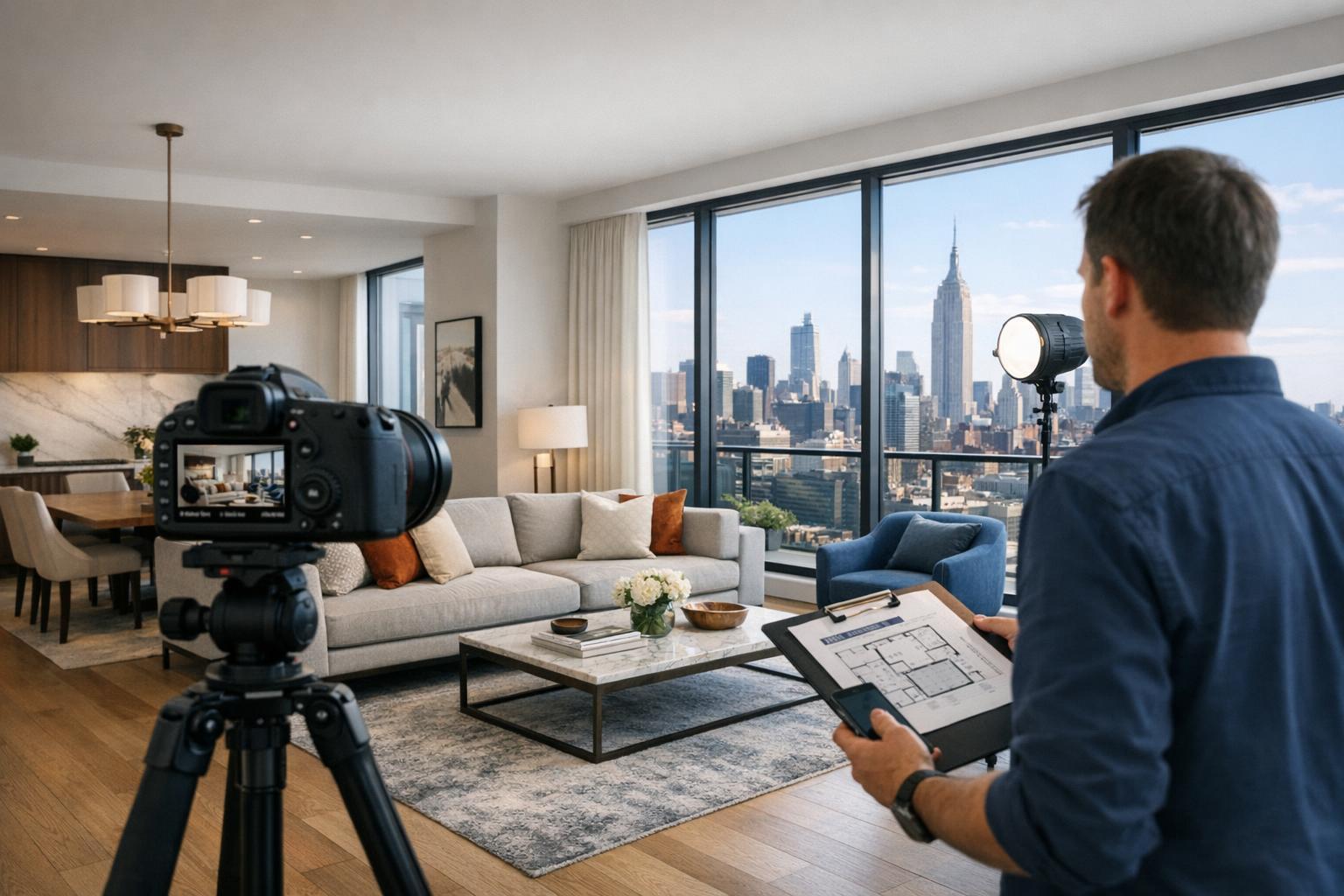
The Matterport NYC showcases a modern apartment with an open living area, sleek kitchen, and floor-to-ceiling windows offering a stunning view of the city skyline.

Choosing a Matterport Provider in NYC: What Real Estate Agents Should Ask
Matterport NYC is a term that comes up often when agents, brokers, or developers need to communicate more than a set of still photos can offer. Especially in New York City, where architecture and layouts are as varied as the neighborhoods themselves, the right 3D virtual tour can be the difference between a property that stays abstract and one that feels tangible—whether the prospective viewer is around the corner or across the globe.
For anyone considering Matterport virtual tours in NYC, it pays to look beneath the surface. Not every 3D tour is created equal, and the quality is defined just as much by the process behind the scenes as by what ultimately appears on a listing.
Why 3D Virtual Tours Matter in NYC and NJ
Getting a clear sense of a property’s flow is often a challenge with traditional media. Manhattan apartments might hide a home office behind a long hallway. Park Slope brownstones often span several floors, with rooms you’d never see in a simple photo gallery. Even new developments, stripped bare for staging, can look more like blueprints than homes.
A Matterport tour bridges that gap. It’s an on-site 3D scan, not a photo slideshow, that allows anyone to move through a property at their own pace, exploring corners, revisiting details, and understanding how spaces connect. For out-of-town buyers, tenants, or commercial clients, this is especially valuable—it saves time, offers clarity, and helps ensure that no one steps into a showing with the wrong expectations.
But clarity for the viewer starts with a clear process behind the camera. That’s where the choice of provider makes all the difference.
Not Just Another Listing Tool: Understanding Matterport and Its Place
A strong real estate listing usually combines several visual tools, each serving its own purpose:
- Still Photography: Highlights the best features, lighting, and finishes. Professional photos are quick to scan, but they rarely make room relationships obvious—especially when layouts are unconventional.
- Listing Video: Tells a story, pacing a viewer through the space with movement, narration, and ambiance. Video is great for a guided experience, but the viewing path is fixed.
- Floor Plans: Give an at-a-glance sense of layout. A floor plan shows how one room leads to another but doesn’t place the viewer inside the scene.
- 3D Virtual Tour (Matterport or similar): Places the viewer within the property, letting them explore room by room, angle by angle.
Especially in markets like NYC and New Jersey, pairing a virtual tour with still photography (and, when practical, a floor plan) results in the clearest presentation. Photos set the scene, floor plans outline the skeleton, and a Matterport tour ties it together, revealing the hidden connections that can’t be seen with just one medium.
What to Ask Before Booking a Matterport Tour
Knowing what to look for—before you book—can help you avoid mismatches and surprises:
Will the Tour Be Captured On Site?
A legitimate 3D virtual property tour begins with a physical scan of the actual space. It can’t be rendered from photos, video walkthroughs, or architectural drawings alone. Always confirm:
- That the scan will be performed in person
- What footage or square footage is included
- Whether every intended room, level, and area will be covered
- If specialty zones (roof decks, basements, garage spaces, commercial back rooms) are part of the plan
- If any areas should be kept private or excluded for presentation, access, or privacy
At RealtaSnap, for example, Matterport tours are performed on site and are available for properties up to 6,000 square feet. If your layout is complex or unusual, sharing details up front helps determine scope and avoid any missed spaces.
How Should the Property Be Prepared?
A 3D scan sees everything that can be viewed from each capture location, so preparation needs to be more meticulous than for a still photo shoot. Some practical pointers:
- Clear surfaces and floors where possible
- Remove personal items and sensitive materials
- Adjust lighting—replace burnt-out bulbs, open or close shades as needed
- Arrange and straighten furniture
- Keep interior doors open or closed intentionally based on which spaces should be accessible
- Ensure access to all areas that need to be scanned
Occupied properties can be tricky. Tight apartments in Manhattan or multi-level buildings in Brooklyn can quickly become difficult to navigate for both the scan and the eventual virtual visitor if there’s clutter in major pathways. For vacant rooms, make sure any plans for virtual staging are handled separately, as true AI staging needs empty spaces.
How Much Time and Access Will the Appointment Require?
Building access is its own logistical puzzle in NYC and NJ. Factors that often impact the process:
- Entry and unit access procedures (doorman, lockbox, elevator reservations)
- Key contact information for broker, owner, or superintendent
- Clear directions around time restrictions, especially for commercial properties or homes with tenants
- Instructions for pets, packages, or shared amenities
If you’re listing a new development, it’s common for certain amenities or shared spaces to still be unfinished. Decide if you want the virtual tour to include just the residence or to capture the larger context once everything’s ready.
Evaluating the Final Tour—Not Just the Scan
A finished Matterport tour should feel seamless to the end viewer. That means:
- The navigation is intuitive
- The entire intended layout is covered (or any exclusions are clearly communicated)
- Visual transitions feel natural, not abrupt or confusing
- The finished link is easy to share—across your website, social media, and major real estate listing platforms
Ask your provider:
- How you’ll receive deliverables—typically as an online link, sometimes embedded within property sites
- How long the tour will be hosted, and if it can be transferred if listing responsibility changes
- If you’ll have options for add-ons, such as a 2D floor plan—handy for multi-level homes, townhouses, and offices
At RealtaSnap, hosting transfers are available if the listing changes hands, and 2D floor plans can be added for a straightforward overhead view.
How Pricing and Options Work for Professional Matterport Services
Pricing can vary with property size, scope, and add-ons. As a general example:
- Properties up to 3,000 square feet: $199
- Properties 3,001 to 6,000 square feet: $299
- 2D Floor Plan Add-On: $75 (for smaller properties), $109 (for larger)
- Hosting Transfer: $40
When comparing providers, look closely at what’s included—not just the starting price. Does the rate cover all access areas? Are there limits on square footage? Will you need a floor plan or hosting add-on to fully market the property? Even small differences can impact the value received.
For properties with multi-levels or unusual configurations, a 2D plan is often worth considering. Pairing it with a Matterport tour provides both a quick layout overview and an immersive walk-through.
Local Realities: NYC and NJ Properties
Urban listings—especially in NYC—demand an extra layer of planning. Tight layouts, shared entries, elevator schedules, and occupied units all add complexity to the capture process. It’s not just about the scan; it’s about managing access, minimizing disruption, and making sure every important feature is captured in a way that makes sense on screen.
Suburban properties in New Jersey, by contrast, tend to allow for easier scheduling and broader coverage. Yards, garages, and multiple floors underscore how much additional clarity a 3D tour can bring—especially for busy buyers working remotely.
In both cases, a well-structured workflow, accurate prep, and realistic expectations make for the cleanest final result.
Booking a Matterport Virtual Tour with RealtaSnap
For NYC and New Jersey, RealtaSnap books online via a straightforward process: enter the address, provide access instructions, select your tour size and optional add-ons, and choose an available appointment time (at least 24 hours notice is required). Payment is completed at checkout. More details on services, booking, and policies are available at RealtaSnap’s website.
FAQ
Question: Can a Matterport tour be created from existing listing photos or architectural plans?
Answer: No, a true Matterport tour requires an on-site scan of the actual property. Photos or architectural plans may support marketing, but they can’t substitute for the immersive, navigable experience of a 3D virtual tour.
Question: Should I include both a Matterport tour and a 2D floor plan?
Answer: For properties with multiple levels, unusual layouts, or commercial spaces, offering both is often the clearest way to communicate room relationships and flow to remote viewers.
Question: What if my listing changes agents or owners after the tour is completed?
Answer: Hosting transfer is available as an add-on, enabling the tour to remain accessible and under the control of the new party responsible for the listing.
Ready to make your listings clearer—wherever your next client is? Learn more or book your next Matterport scan at www.RealtaSnap.com.