What to Look for in a Real Estate Video Tour for Your Listing
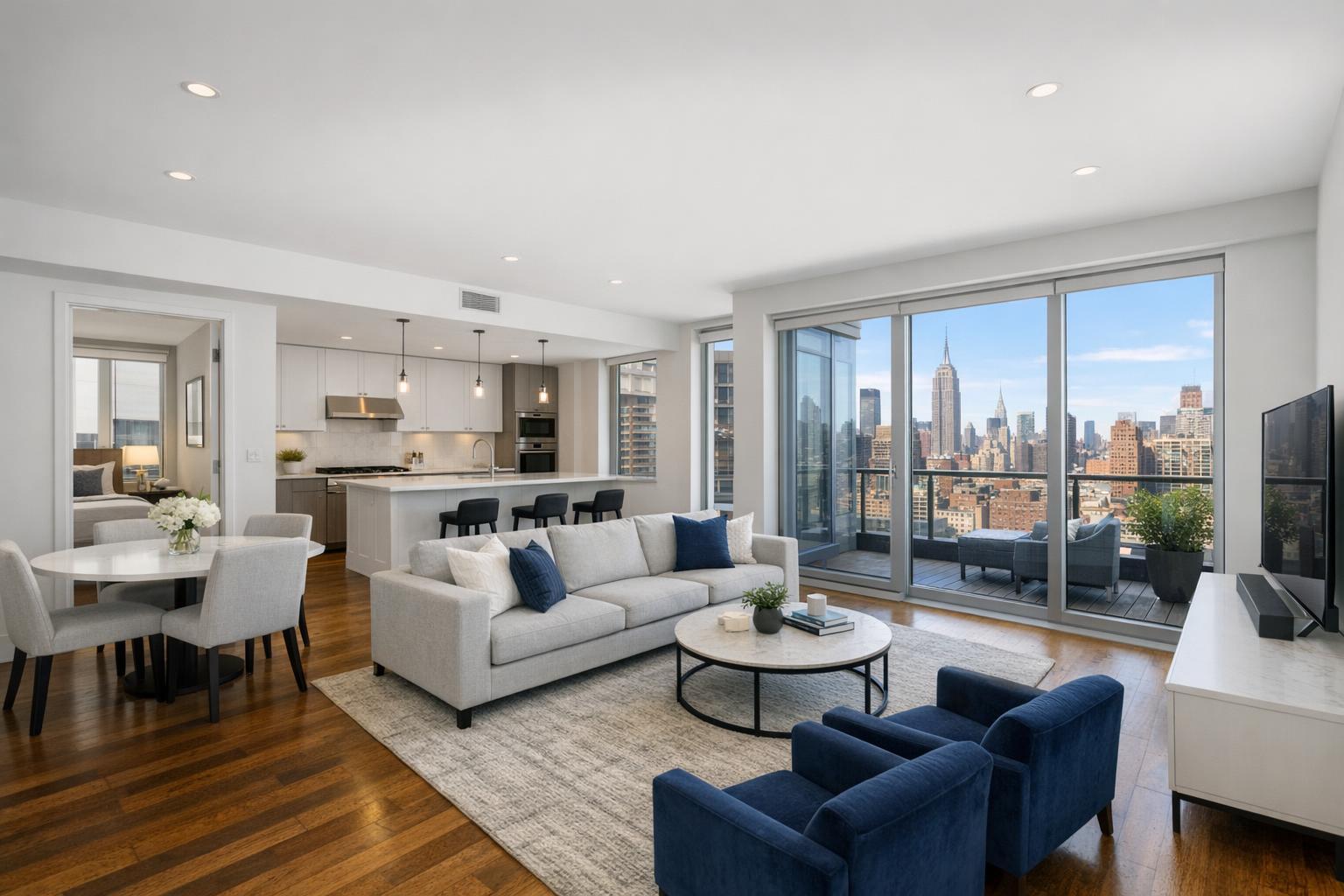
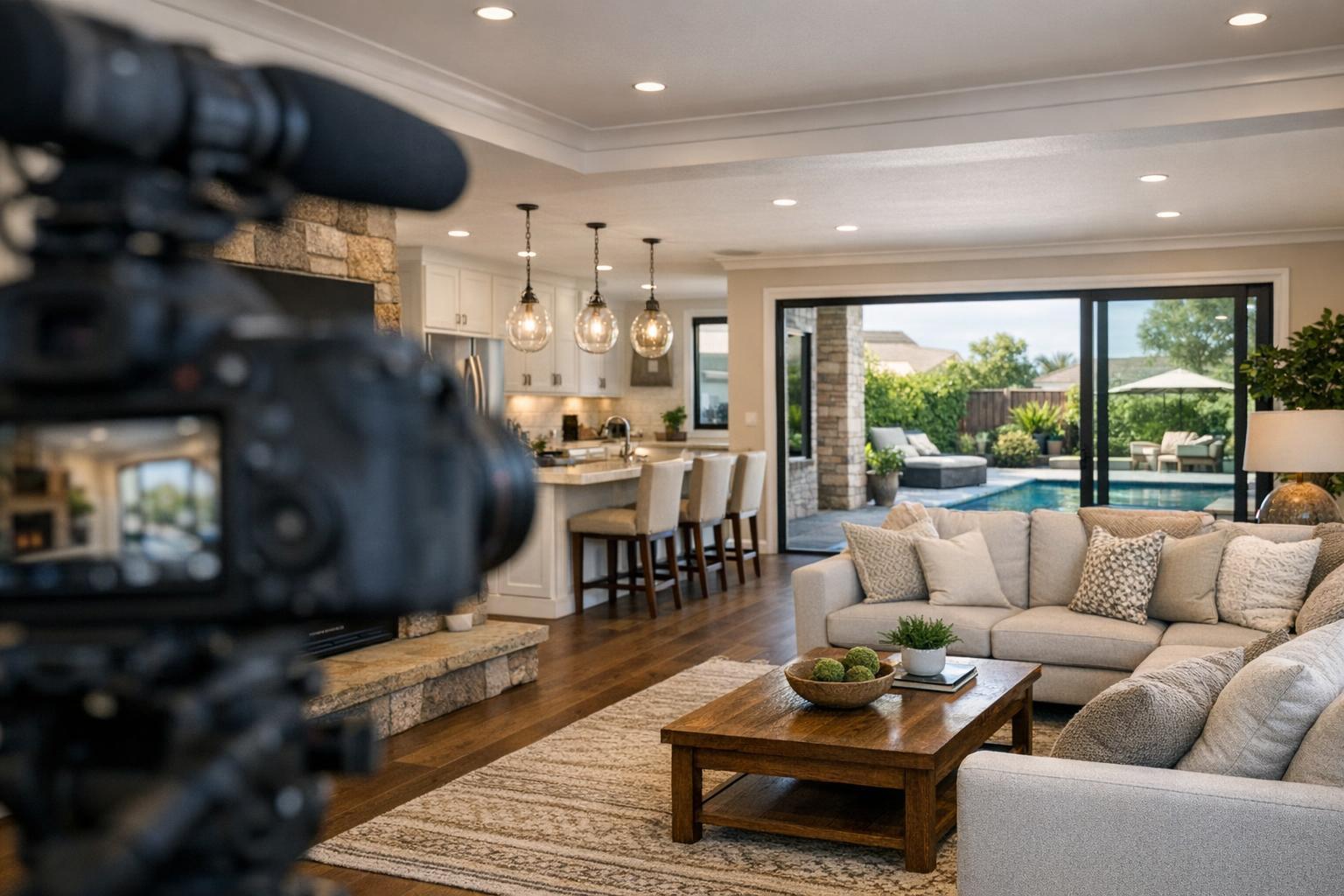
A camera is set up to capture a real estate video tour of a luxurious living room and kitchen area that opens to a beautiful outdoor patio and pool.
What to Look for in a Real Estate Video Tour for Your Listing
A real estate video tour is one of the most effective ways to convey the true flow, context, and atmosphere of a property—especially in markets like NYC and New Jersey, where layout and experience can mean as much as square footage. While still photography remains foundational, video brings movement and sequence to the story that photos simply can't provide. But not every listing needs the same approach, and deciding if a video tour makes sense (and what it should include) takes an understanding of both the property and the local market.
Below, we offer a practical, experience-driven guide to choosing and planning a real estate video tour, distinguishing video from other common options, and preparing properties for successful shoots.
Why Consider a Real Estate Video Tour?
Professional photo galleries show each room, surface, and finish in a controlled, static way. But when a listing's value depends on how spaces connect—how the eye is drawn from a kitchen to a terrace, or how a hallway links bedrooms to common areas—static images often fall short.
A well-crafted property walkthrough video helps viewers experience:
- The order in which spaces reveal themselves
- Relationships between rooms and features
- Transitions and sight lines—what you see as you walk from the foyer to living room, or from bedroom to balcony
- Flow from interior to exterior, such as terraces, decks, or gardens
- The feel of amenities, lobby spaces, or even the immediate block
Video fills important gaps left by still images, particularly for listings with unusual layouts, complex floorplans, or outdoor connections that matter to buyers. The best results come when video is planned to clarify—not simply catalog—what makes the property unique.
Beyond Video: Know Your Listing Media Options
Agents and sellers often encounter multiple services described as "video" or "tour," but each serves its own role. Understanding these distinctions is key to making an informed choice.
- On-Site Video Tour: A real estate video tour is captured by moving through the property intentionally, with professional equipment and editing to create a smooth, logical viewing experience. This approach works best when the layout, transitions, or physical context of the space are central to its appeal. Editing often includes music, motion graphics, or brief agent introductions—but the camera is always on site.
- Photo Slideshow: A sequence of professional listing photos, timed to music with transitions. These are quick to produce but miss the essential flow of a video, as they can't recreate movement or transition between spaces. RealtaSnap captures listing videos directly at the property and does not convert stills into slideshow videos.
- 3D Virtual Tour: An interactive, self-guided digital scan (such as a Matterport tour) that allows viewers to navigate the space at their own pace. This is particularly useful for remote buyers and listings with complex layouts. While a 3D virtual tour and video tour can complement each other, they offer different viewer experiences—one is curated, the other self-directed. Both require physical on-site capture.
- Drone-Only Video: Exterior drone footage can powerfully showcase rooflines, lots, water views, or architectural scale—especially on larger or detached homes. However, drone video alone never substitutes for an interior walkthrough. Feasibility depends on location, airspace, weather, and safety requirements unique to each property.
For a head-to-head breakdown of these options and when they matter, see our real estate videography overview for NYC.
Matching Video Style to Property Type
Effective property video is never one-size-fits-all. Instead, it's customized based on layout, features, and the target audience.
Small NYC Apartments
Compact spaces—like Manhattan studios or Brooklyn one-bedrooms—require careful movement and pacing. Wide shots that overstate the size, quick cuts, or rapid transitions often do more harm than good. Instead, a slow, steady route highlighting proportion, window placement, and connections between zones (living/dining, kitchen, sleeping area) delivers the clearest experience. Special features—views, terraces, original details—should be addressed directly but honestly.
Brooklyn Brownstones
Multi-level brownstones or townhouses benefit from a more narrative approach. Video can briefly introduce the facade, bring viewers up the stoop, then move floor by floor, allowing time for features like fireplaces, custom millwork, or restored kitchens to be appreciated. Stairs call for especially steady, intentional filming. In properties where garden or roof access matters, those transitions are worth recording at a slower pace so viewers understand how the home connects vertically.
New-Development Residences
For new construction or luxury condos, it's important to differentiate the individual unit from building-wide amenities. Video might include a lobby introduction, fitness center, rooftop, or lounge areas, but labeling and sequencing should clarify what belongs to the unit, and what’s shared. Avoid suggesting that a common amenity or staged model-furnishing is part of a for-sale apartment unless it truly is.
Larger New Jersey Homes
Properties with multiple levels, outbuildings, or significant grounds often require a more extended walkthrough. Video should begin at the main entry or driveway, establish the core living areas, and incorporate any standout features: finished basements, pools, outbuildings, or substantial yards. Aerial drone clips can add context about the lot or location, if conditions allow, but the route through the house itself should remain intentional and concise.
Planning a Logical Walkthrough Route
A professional property walkthrough video isn't about ticking off every room; it's about creating a viewing experience that feels natural and illuminating. Even before the scheduled shoot, it's wise to plan a practical route through the home:
- Decide which entrance gives the clearest introduction
- Highlight rooms that define the listing (main living spaces, kitchens, special features)
- Think about whether doors should be open or closed for flow
- Remove or hide items that could interrupt the shot (bins, supplies, laundry, pet accessories)
- Confirm where to pause for lighting adjustments or to reset the camera
- End with a visually satisfying closing perspective: a view, balcony, or exterior shot
This kind of advance walkthrough improves both the shoot and the final result, reducing confusion and ensuring post-production feels seamless.
How Preparation Shapes the Final Video
Video is uniquely sensitive to clutter, reflections, and inconsistent details. While a single misplaced object in a photo might be easily retouched or overlooked, in a continuous video sequence it's much more likely to distract prospective buyers. Careful preparation is essential, especially in occupied homes. Prioritize:
- Clear counters, nightstands, and bathroom surfaces
- Remove pet items, laundry, bins, and personal photos when possible
- Make beds and arrange pillows with visual consistency
- Switch on all working lights, checking bulbs in advance
- Open shades or blinds where privacy and view allow
- Clean mirrors, glass doors, and major reflective surfaces
- Confirm building, elevator, and amenity access in advance
Homes should feel lived-in, not sterile—just visually calm and distraction-free, so viewers can focus on spaces, finishes, and light.
Lighting and Camera Movement: Supporting Clarity
One of the most overlooked aspects of effective real estate videography is the management of light and movement. Windows are often both a feature and a challenge: balancing the brightness of daylight against interior conditions requires disciplined exposure. A walk-through should preserve useful detail in both the room and the view, rather than losing one in favor of the other.
Stable, deliberate camera motion is equally important. Sudden spins, tilts, or speed-ups can shrink perceived space or leave viewers disoriented. Every move should help answer a real question: What’s beyond this door? How does the kitchen meet the living area? Where does a hallway lead?
Highlighting Distinctive Features—But Keeping It Honest
Trust is crucial in real estate media. Good video elevates special details—like double-height ceilings, original beams, or a beautifully landscaped backyard—while remaining accurate to the space as it exists. This means using selective framing to clarify the best angles, but never misrepresenting proportions, features, or possible views. A strong edit shows the property at its best while remaining grounded in what’s truly available to buyers.
Choosing the Right RealtaSnap Video Package
Not every listing has the same story to tell. RealtaSnap offers video options to match the needs of different spaces and marketing plans:
- Standard Video: About 1 minute, including basic graphics and contact info.
- Premium Video: About 1.5 minutes, with custom branding, lobby, amenities, and neighborhood footage, as appropriate.
- Premium + Interview: About 3 minutes, with interview audio (agent or owner), advanced graphics, and a full mix of property and amenity coverage.
Interview-based video formats work best when design history, renovation details, or local expertise add value that pure visuals can’t provide. For most standard listings, concise, honest, professionally edited video is sufficient. Social-media-friendly video options are also available as add-ons, drawn from on-site capture.
For a closer look at video options, visit the RealtaSnap real estate videography page.
Media Coordination: Video as Part of the Full Picture
A great property video functions best as part of a coordinated listing package—supported by photos, floor plans, and (where appropriate) 3D virtual tours. Together, these assets offer a comprehensive understanding of a property’s layout, scale, and livability. Choose the mix that explains your listing most effectively, rather than defaulting to every available format. Not every home needs everything; the most successful media strategy fits the property’s actual story and market positioning.
If you’re marketing listings in NYC, New Jersey, or nearby areas and want to explore walkthrough video, learn more or book directly with RealtaSnap. Clear planning, honest presentation, and practical production choices always deliver the best results.
FAQ
Question: How long is an effective real estate video tour?
Answer: The right length depends on the property. A compact city apartment is usually best served by a concise video—around a minute. Larger homes or listings with shared amenities may benefit from a longer video that covers these key spaces in depth. The most important factor is that the tour explains the property without dragging on or repeating the same view.
Question: Is drone footage necessary for every listing’s video tour?
Answer: No. Drone clips are most useful for homes where the setting, lot size, or exterior architecture add value—particularly in suburban or detached properties. In many urban apartments or condos, aerial shots may not add much context. Drone work is subject to airspace regulations, weather, and safety considerations and may not always be feasible or required.
Question: Can a property walkthrough video be made from photos if a seller already had professional images taken?
Answer: While slideshows made from still photos exist, they don’t provide the real spatial movement of an on-site video tour. For a true listing video, RealtaSnap captures footage at the property itself, enabling smooth room-to-room transitions and a more comprehensive presentation.
For more information on real estate media options or to see examples, visit www.RealtaSnap.com.