What to Know Before Ordering a 3D Virtual Tour for a Property Listing
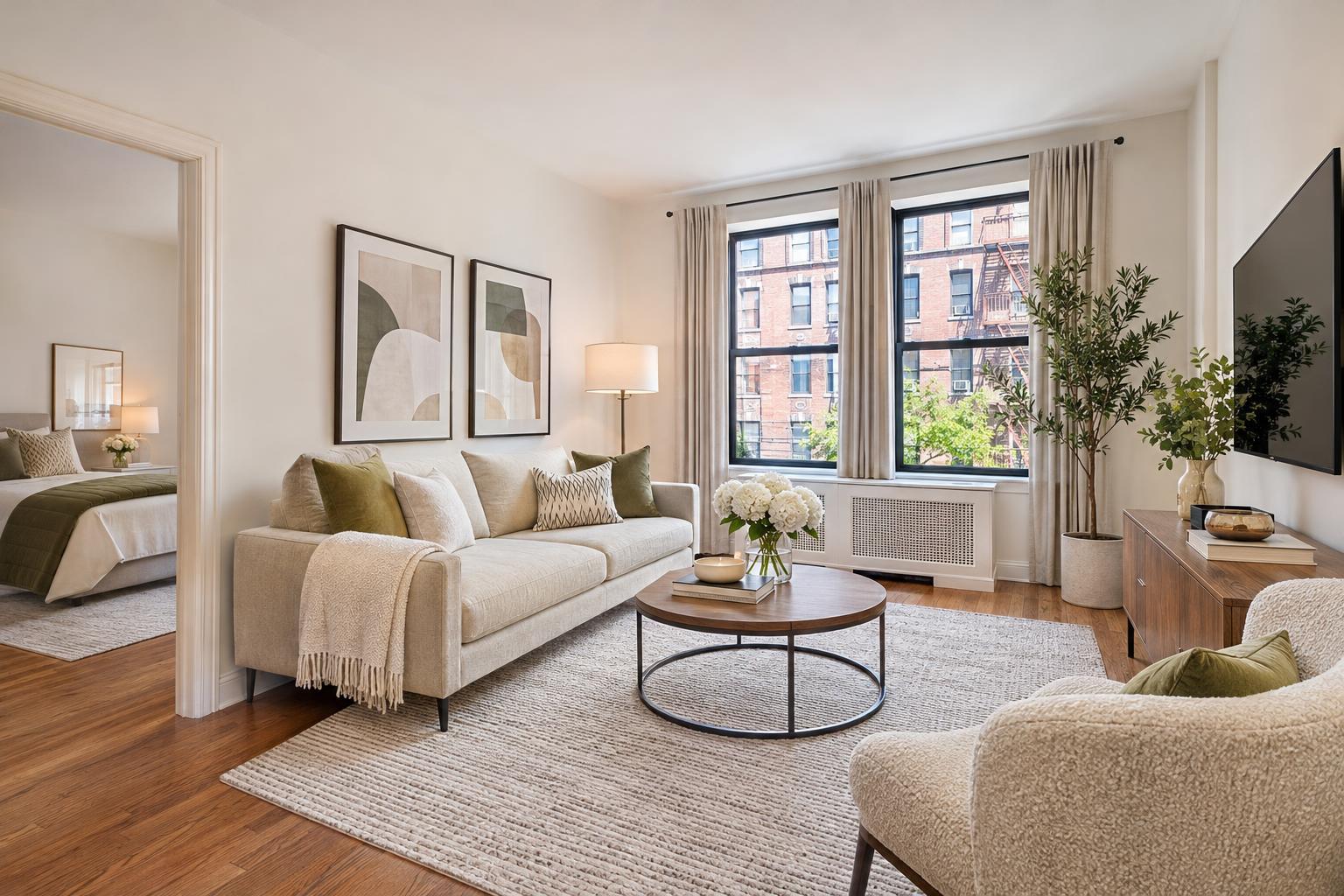
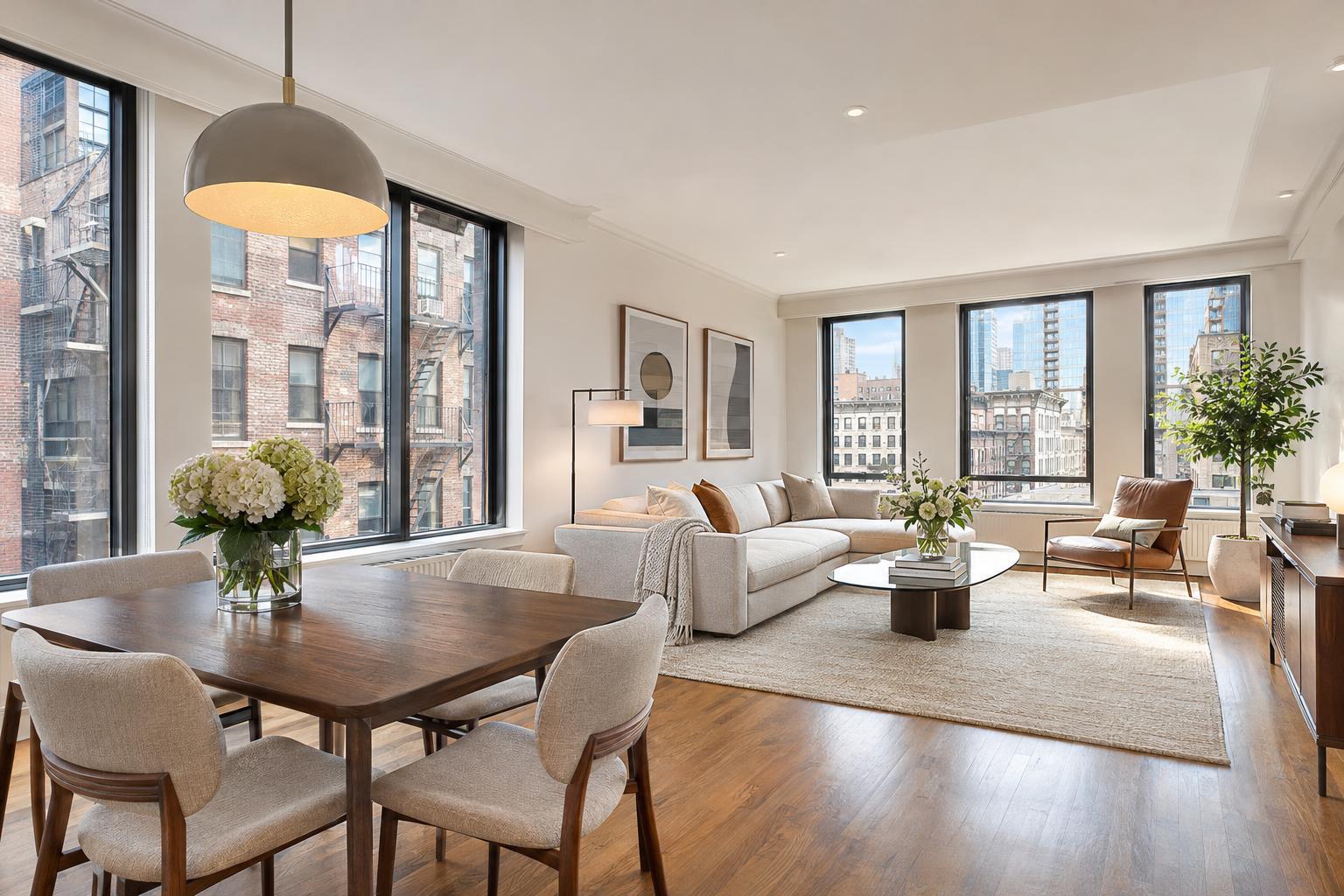
Incorporating a seamless blend of modern and cozy elements, the open-concept living space features a living room, dining area, and kitchen with elegant finishes and invites exploration through a 3D virtual tour.

What to Know Before Ordering a 3D Virtual Tour for a Property Listing
A 3d virtual tour fundamentally changes the way a property listing can be experienced online. For real estate agents, property managers, and owners in NYC and New Jersey, these tours are more than just a high-tech add-on—they offer a practical solution for communicating complex layouts, multi-level spaces, and unique architectural features that static photography often struggles to capture.
Successful 3D tours require more than a quick checklist. The process involves on-site scanning, careful space preparation, thoughtful platform selection, and coordinated access to every area you want viewers to explore. Let's break down what actually matters when considering this service and how to get the best result for your listing.
The Value of Interactive Walkthroughs for Real Estate Listings
A professional photo gallery is excellent for polished, market-ready imagery. But when prospective buyers or renters need to orient themselves—following the path from entry, checking room adjacencies, or seeing how living spaces connect—a virtual walkthrough delivers an added dimension. Instead of only seeing what the photographer chooses to show, viewers can move through every angle, study room-to-room relationships, and revisit areas at their own pace.
Certain listing types are especially well-suited for interactive tours:
- Manhattan apartments where rooms branch off long corridors
- Brooklyn brownstones spread over several stories and with distinct zones
- Duplexes and townhouses shaped by staircases and unusual flow
- New Jersey homes boasting finished basements, additions, or flexible indoor-outdoor transitions
- Rentals, where seeing the exact layout can make or break a showing
- Commercial and mixed-use properties, where viewer orientation is critical for decision-makers
Strong photography remains essential, but for listings where layout, circulation, or proportions are key parts of the story, a 3D tour bridges the gap between images and in-person experience.
Comparing Matterport Tours and Zillow 3D Home Tours
In many real estate circles, "Matterport" and "Zillow 3D" are sometimes used interchangeably. That can lead to confusion, as each platform is distinct—with different strengths, outputs, and marketing channels.
Matterport tours produce a true-to-life interactive walkthrough. These are built from a detailed on-site scan that connects spatial data point by point. Viewers can furnish themselves with a "dollhouse" or floor-by-floor model, moving organically through the space and understanding its logic. Matterport is particularly valuable for properties with complex layouts, architectural variety, or significant square footage—think multi-story homes, lofts, commercial suites, and furnished listings where spatial context is vital. For a closer look, review the Matterport virtual tour page.
Zillow 3D Home tours, on the other hand, are designed for streamlined online viewing and direct integration with Zillow's powerful property marketplace. These tours are practical, easy to view for platforms' users, and work especially well when the route to the listing's audience is Zillow-centric.
The choice generally depends on three questions:
- Where will the listing be marketed most aggressively?
- Is the space complicated or unconventional enough to justify a more immersive option?
- What kind of viewer experience are you hoping to facilitate?
If a property is going on a variety of channels and relies on spatial storytelling, Matterport is often preferred. If Zillow exposure takes priority, their own format can be a smart solution. Hosting terms and platform policies can differ, so confirming details before booking is wise.
Understanding the On-Site Capture Requirement
A common misconception is that 3D tours can be made from photography, architectural drawings, or old floor plans. In reality, a true Matterport tour or Zillow 3D Home tour requires an on-site scan of the physical property.
Why? Unlike photos, which show selective angles, 3D tours are built from a network of actual capture points. The specialist brings a scanning camera to the property and moves systematically through every space to map out the environment. The finished tour is only as current as the day of the scan: any later renovations, new furnishings, or changes won’t appear in the interactive walkthrough.
If you want every possible area—such as a combination unit, basement, roof deck, amenity space, or detached garage—included, make sure these spaces are unlocked and available at the time of the appointment, and let your provider know in advance.
Preparation for a Seamless Walkthrough
One subtle challenge with 3D tours: viewers aren’t locked into a curated series of “best” angles. They can look virtually anywhere, pause in hallways, or spin around to study details. That level of freedom makes preparation critically important.
The property doesn't need to be staged to perfection, but it should feel intentionally arranged and free of distractions. Practical steps to help:
- Clear personal items and clutter from countertops, especially in kitchens and baths
- Tidy up bedding, towels, and visible soft goods
- Remove pet items and sensitive paperwork
- Hide cords, cleaning supplies, and excess appliances where possible
- Ensure closets, balconies, utility rooms, and any area meant to be included are accessible
- Open interior doors to create a natural walkthrough path
Occupied homes are fine, but the more neutral and navigable the rooms, the easier it is for potential buyers or tenants to focus on the space itself. For a more detailed approach to staging and preparation, RealtaSnap offers a preparation guide that applies to both photography and 3D capture assignments.
Planning for Access, Lighting, and Scheduling
A successful 3D tour appointment requires more coordination than you might expect. Since the scan must cover the entire property, arrangements for entry—and unimpeded access to every room—are needed. In dense urban markets like NYC, that might involve working with supers, building staff, tenants, or security. For commercial spaces, it’s wise to plan around staff shifts, business hours, and customer flow.
Lighting plays a significant role in the visual impression of a virtual tour. Turn on all working lights before the appointment and replace any bulbs that are visibly burned out. Clean windows, and decide in advance whether to keep shades open (to showcase a view) or closed (for privacy and consistent exposure). For city apartments with signature skyline views, open blinds make sense; ground-floor spaces may benefit from partial privacy.
To keep the scanning process efficient, it’s best if people and pets remain out of areas being scanned. For occupied spaces, brief outings or having household members concentrate in completed rooms can help keep the workflow smooth.
When Does a 3D Tour Make the Most Difference?
Not every property needs a virtual walkthrough. Compact studios where a single photo can frame the entire space rarely benefit from additional complexity. But listings with these traits gain the most:
- Complex, multi-level, or multi-zone layouts that static images can’t explain
- Properties with several bedrooms, bathrooms, or flexible-use rooms
- Homes with secondary levels—such as basements, attics, or guest suites
- Commercial and mixed-use spaces with defined suites, shared areas, or public-facing spaces
- Rental units where virtual pre-screening saves everyone time
- Listings expected to attract out-of-area buyers or tenants
For example: a Brooklyn brownstone really comes alive when a viewer can virtually trace the flow from parlor to kitchen to garden level; a New Jersey home with a finished basement becomes easier to understand remotely; a commercial property might be leased faster if tenants can orient themselves in advance. The central question is practical: will a tour clarify the space in ways that photos and floor plans can’t?
Integrating the 3D Tour with Other Listing Media
A strong listing almost always uses a combination of media. The 3D tour adds interactive depth, photos deliver impactful first impressions, video brings movement and energy, and floor plans provide overhead reference for scale. Consistency is key: whenever possible, shoot both photos and the virtual tour after any cleaning, painting, or staging decisions have been made, so every asset accurately reflects the space.
If your workflow groups photo and 3D capture on the same day, prepare the property as if every angle will be scrutinized—because in a virtual tour, it will be.
Choosing the Right Format, Starting the Process
Ordering a 3D tour doesn’t have to be overwhelming. The most important steps are:
- Decide which platform (Matterport or Zillow 3D Home) best matches your marketing needs and audience
- Make arrangements for full on-site access, at a time when the space will be ready and accessible
- Prepare the property for open, distraction-free navigation in all included areas
- Coordinate photos, video, and other media to ensure a cohesive finished listing
RealtaSnap provides on-site 3D scanning for properties throughout New York City and New Jersey, offering both Matterport and Zillow 3D Home options. If you’d like advice on which format makes the most sense for your upcoming listing, or you’re ready to schedule a shoot, visit www.RealtaSnap.com.
FAQ
Question: Can a 3D virtual tour be created without visiting the property in person?
Answer: No. RealtaSnap builds 3D tours using on-site scans—the technology relies on mapping the actual space, not repurposing still photos or floor plans. Everything you want in the tour needs to be physically accessible during the appointment.
Question: Does the property need to be empty for a Matterport or Zillow 3D tour?
Answer: Not at all. Occupied homes are common. Furnishings can actually help viewers estimate scale and function, but removing personal items and reducing clutter helps present the space as clearly as possible.
Question: Can I request that specific rooms, outdoor areas, or amenities be included in the tour?
Answer: Yes—as long as those spaces are unlocked and accessible during the scan. It’s important to discuss your preferences with your provider before the appointment to ensure every area you want captured is represented in the final tour.