Virtual Staging NYC: How to Prepare an Empty Listing for Listing Photos
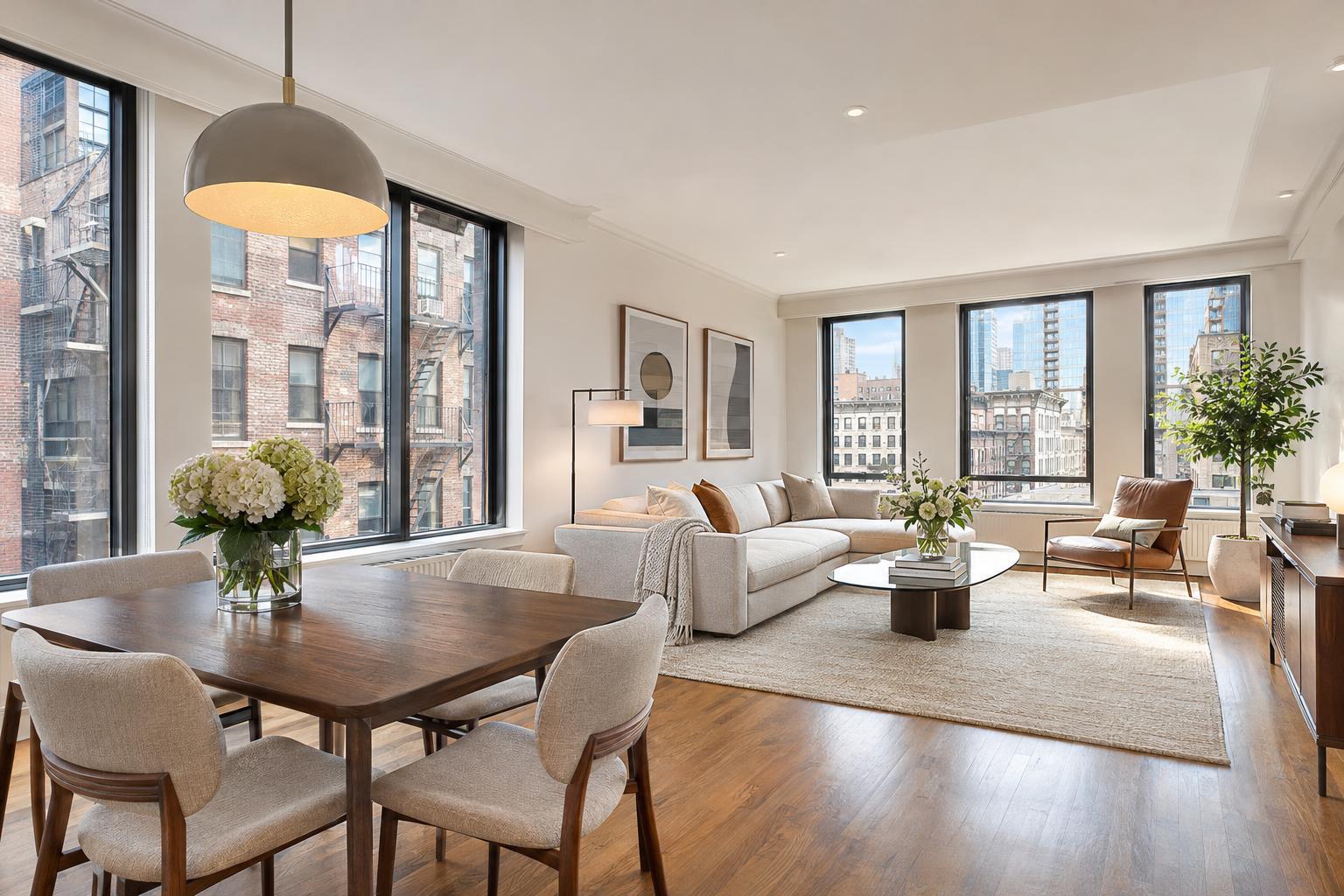
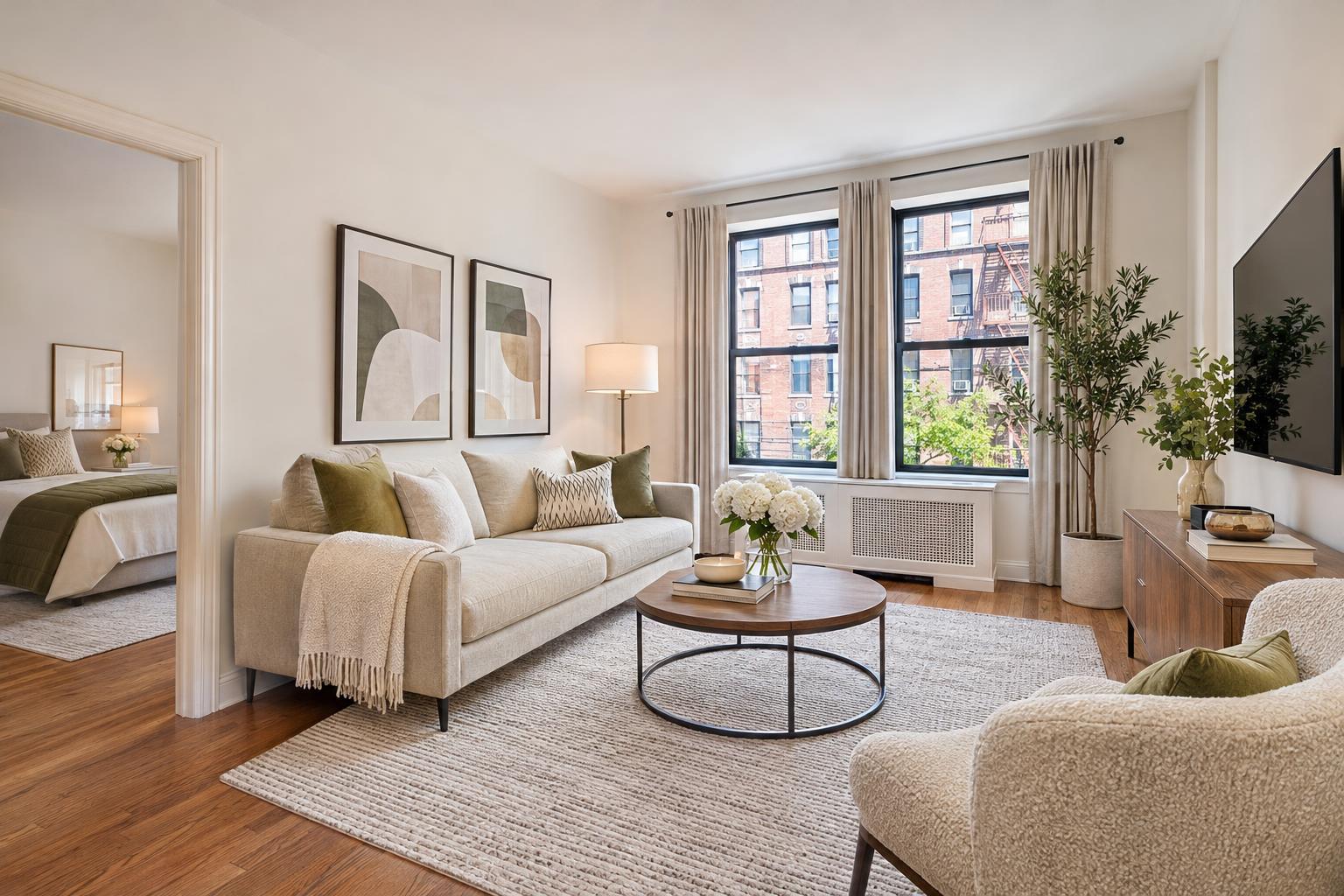
The room features virtual staging NYC style, showcasing a modern living space with elegant decor, earthy tones, and ample natural light through large windows.
Virtual Staging NYC: How to Prepare an Empty Listing for Listing Photos
Virtual staging in NYC has become an essential tool for agents, property managers, and owners dealing with vacant properties. Empty rooms, while clean slates in person, can appear both underwhelming and confusing in listing photos. Whether you're marketing a Manhattan condo, a Brooklyn brownstone, or a no-frills rental, an unfurnished room rarely tells the whole story of how a space functions. Virtual staging bridges that gap—without touching the actual property.
Below, we break down the practical realities of using virtual staging, explain where it provides the most value, address how a virtual staging company like RealtaSnap approaches the process, and walk you through key steps and decisions based on what actually works in New York City, New Jersey, and nearby markets.
Why Empty Rooms Don’t Sell Themselves in Photos
In practice, an empty room is rarely a blank canvas in the way sellers imagine. Online, viewers see photos in rapid succession, often flipping between dozens of listings that all start to blend together. When a space is vacant, it’s difficult to judge scale, layout, or purpose—especially in the varied layouts NYC is known for.
Real-world challenges include:
- Impossible-to-judge sizes (is that bedroom a full, queen, or just fancy closet?)
- Awkward layout features (alcoves, nooks, or “bonus rooms” with no obvious use)
- Directionless open spaces (what’s living versus dining versus workspace)
- Outdoor areas that feel like unused slabs rather than lifestyle spaces
Furnishing cues—like a couch that defines a living area, or a desk in a den—don’t just look good. They make a space understandable. Without them, listing viewers are left guessing.
What Virtual Staging Actually Does (and Doesn’t Do)
Virtual staging adds digital furniture and decor to professionally photographed, empty rooms. The physical property remains untouched—everything happens in post-production. The best virtually staged images look plausible for the size and style of the room, help viewers immediately grasp intended use, and make the true proportions of the space clear.
But it’s important to be realistic about its function.
- Virtual staging is not about tricking buyers. Done right, it clarifies what’s already there.
- It can’t make a small room enormous, and it won’t turn a dim space into a sunlit loft.
- It doesn’t hide permanent flaws or fix awkward layouts—those will remain visible.
- It’s not an excuse to leave clutter or old furniture behind. It only works well on clean, truly vacant rooms.
Operationally, RealtaSnap’s virtual staging service starts with a high-quality, professionally composed photo—balanced window light, straight lines, and minimal on-site distractions. AI virtual staging is designed for empty rooms; if there’s furniture or visible clutter, it either needs to be physically removed or treated as a separate photo editing (clutter removal) add-on .
Virtual Staging, Physical Staging, and Clutter Removal: Know the Differences
These services overlap in their intent—making a property feel more marketable—but they serve different situations.
Virtual staging:
- Best for vacant listings when the property shouldn’t (or can’t) be physically furnished for photos.
- Adds digital furniture in post-production.
- Works well for key rooms like living spaces, primary bedrooms, and flex rooms that need definition.
- Helps viewers visualize without bringing anything into the property.
Physical staging:
- Involves physically furnishing the property prior to the shoot and leaving the setup in place for showings.
- Useful for listings expecting frequent open houses or spaces that need in-person spatial context.
- Requires additional coordination, installation, and access accommodations.
Clutter removal:
- A paid editing service for removing unwanted items—boxes, old chairs, personal effects—before (occasionally during) staging.
- Not a substitute for staging: it doesn’t add furniture, it just makes the photo cleaner and less distracting.
- Required if any furniture or personal items remain in a room slated for virtual staging.
Which NYC and NJ Properties Benefit Most?
Virtual staging shines brightest in the kinds of listings where visual context is lacking, but the underlying space has something to offer. In the NYC and NJ area, these include:
- Vacant Manhattan condos and co-ops:
Compact layouts often need visual cues to show furniture fit and flow. Carefully chosen, restrained furnishings keep the focus on finishes and views. - Brooklyn brownstones and townhomes:
Brownstones and multi-level homes have a variety of formal and informal spaces. Staged images clarify purpose, especially for odd-shaped rooms or parlor floors. - New development units:
Fresh construction typically gets listed prior to move-in. Without furnishings, even premium spaces can feel empty and hard to tell apart. Virtual staging gives each unit a distinct, lived-in look. - Rental apartments:
Especially for studios and flex layouts, staged images help prospective renters grasp configuration options before seeing the property in person. - Investment properties:
Vacant investment units—between tenants, post-renovation, or pre-sale—are easier to market with scene-setting furnishings that don’t interfere with photography of finishes, cabinetry, and overall space.
How to Prepare a Listing for Virtual Staging
Virtual staging only works as well as the base photo allows. The most convincing results start with clear, professionally captured images and rooms that are ready to go. Here’s how experienced teams recommend preparing for a virtual staging appointment:
- Remove leftover furniture, boxes, cleaning products, and personal items completely from any space being staged.
- Complete any cleaning and visible repairs before photography. Windows, floors, and sills should be clear.
- Open window treatments to optimize natural light and reduce shadows.
- Decide in advance the intended use for each staged room—living area, bedroom, office, or dining.
- Identify and share important property details that affect layout, like built-ins, radiators, or nonfunctional areas.
- Confirm in advance which spaces will be staged and presented online.
- If a room isn’t truly vacant, plan for clutter removal editing as a prerequisite to virtual staging.
For AI virtual staging add-ons at RealtaSnap, the policy is clear: staging is only applied to rooms that are empty or properly decluttered. If not, you’ll need a clutter removal service first .
Operational Insights: Making Staged Photos Work
Based on what works for listings in NYC and New Jersey, consider the following operational observations:
- Base photography quality is everything. Straight lines, good composition, and true-to-life color set the foundation for realistic staging.
- Avoid extreme wide-angle shots that distort room proportions; plausible virtual furnishings rely on accurate perspective.
- Keep furniture layouts in staged images practical given doorways, built-ins, and walkways unique to urban or prewar architecture.
- Use a consistent design style across staged rooms so that living areas, bedrooms, and workspaces appear cohesive but not identical.
Selecting a design style should suit the property’s architecture and likely target audience:
- Warm, classic pieces for prewar co-ops
- Simple, neutral lines for rentals and new builds
- A mixed, transitional style for brownstones and multi-family homes
And remember, it’s usually not necessary (or recommended) to stage every single room. Focus on the spaces where visual context truly adds value.
Showing the Listing Honestly
Transparency is important—especially in a market where clients and buyers want to know exactly what’s included. When possible, show both the original unstaged photograph and the digitally furnished (staged) version in your listing gallery. Label virtually staged images clearly, so browsers and agents can easily tell which rooms are virtually furnished and which reflect the physical property as photographed. Brokerage platforms may have specific guidelines for these disclosures; always check policies in advance.
Quick Preparation Checklist
- Decide which rooms will be photographed and virtually staged
- Remove all physical clutter and furniture from those rooms
- Clean, repair, and ready each space for professional photography
- Open window shades/blinds as needed for light
- Leave counters, floors, and windowsills completely clear
- Communicate any important layout quirks or constraints before the appointment
- Plan for clear, honest labeling of digitally staged images in marketplace listings
The goal is to provide a listing gallery that is both accurate and easy for buyers or renters to interpret, allowing the real property’s advantages to shine through with minimal confusion.
Selecting a Virtual Staging Partner
If you’re preparing a vacant listing in New York City, New Jersey, or surrounding service areas, RealtaSnap offers online scheduling for real estate photography and AI virtual staging starting at $10 per image as an add-on . The process is straightforward: choose your services, confirm property access, schedule a time, and provide notes about intended room function when booking. Booking and availability are live at www.RealtaSnap.com/schedule, with examples, FAQs, and guidelines at www.RealtaSnap.com.
Professional virtual staging—when handled with care—clarifies how empty rooms can be used, without misrepresenting the property. Proper preparation and realistic expectations set up every listing for a gallery that feels polished, honest, and actionable for buyers and tenants alike.
FAQ
Question: Can virtual staging be applied if a room still has furniture or clutter?
Answer: AI virtual staging is designed for empty rooms. If there’s furniture or personal items present, clutter removal should be ordered first so the staged result appears clean and realistic. RealtaSnap provides basic and advanced clutter removal as add-on services.
Question: Should every room in a vacant apartment or house be virtually staged?
Answer: Staging isn’t necessary for every room. It’s most useful for spaces where furniture clarifies scale or use, such as living rooms, bedrooms, offices, or dining areas. Closets, hallways, bathrooms, and utility spaces typically do not require virtual staging.
Question: Does virtual staging change the actual property, or just the photo?
Answer: Virtual staging only alters the photograph. Digital furnishings are added to show potential layouts, but the physical room remains unchanged. It’s important to label virtually staged images so viewers know what’s digital and what’s real.
For more information about preparing your listing with professional photography and virtual staging, visit www.RealtaSnap.com.