What Is a 3D Virtual Tour and When Does Your Real Estate Listing Need One?
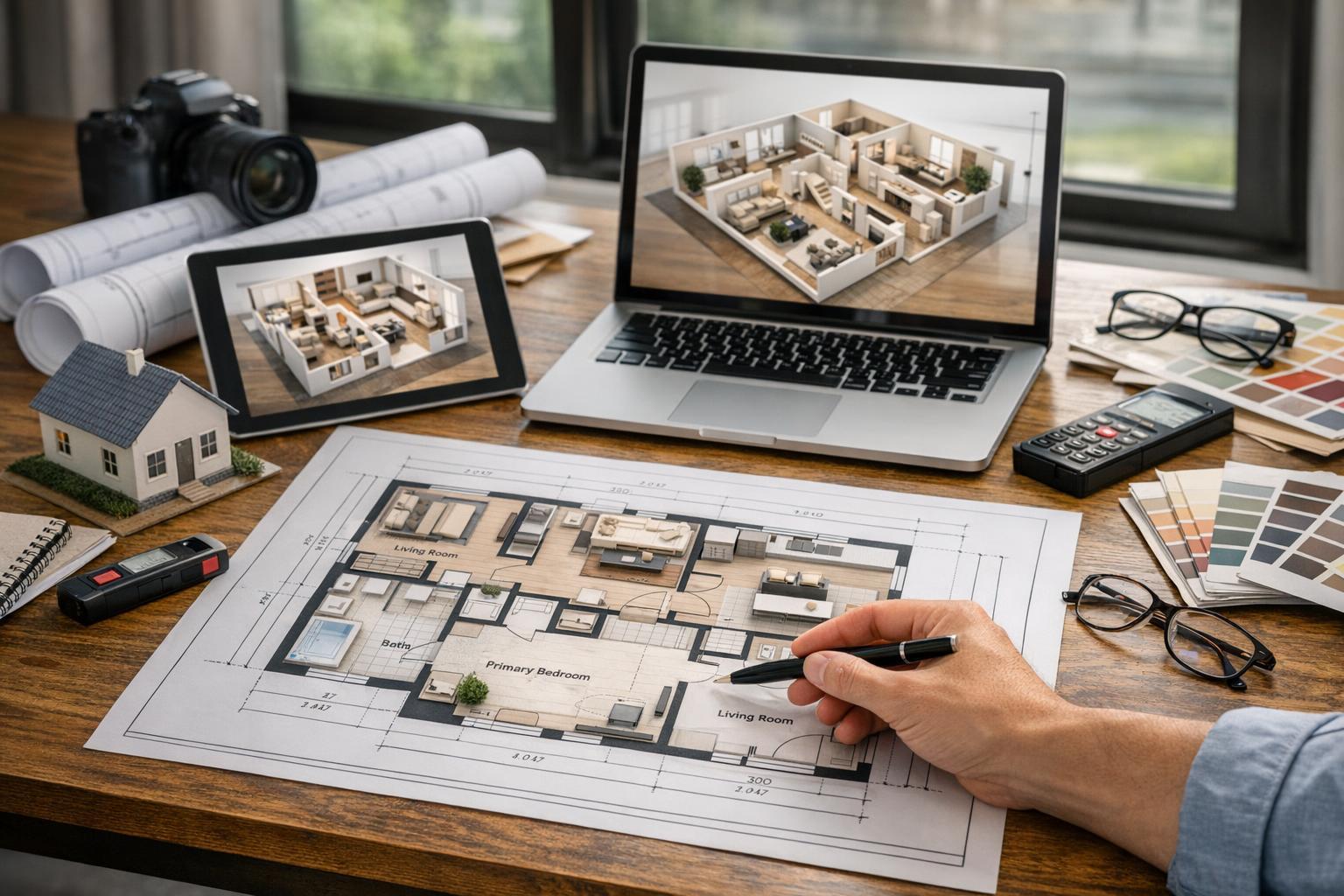
A beautifully designed open-concept living, dining, and kitchen area with neutral tones and modern lighting can be explored further through a 3D virtual tour.

What Is a 3D Virtual Tour and When Does Your Real Estate Listing Need One?
A 3d virtual tour brings potential buyers, renters, or tenants directly into your listing—wherever they are. For New York City apartments, Brooklyn brownstones, New Jersey homes, and commercial spaces alike, these interactive tours let people explore properties online, on their terms, with room-by-room navigation that photos and video alone can’t provide.
How Interactive 3D Tours Work: Beyond Still Photos and Video
Unlike static images or guided video walk-throughs, a Matterport tour (the leading name for high-quality interactive property walkthroughs) recreates the space as a digital, navigable model. Viewers don’t just see what you choose to show; they move from room to room, pan and look around, and linger wherever layout matters most.
This difference becomes clear the first time a prospective buyer asks, “Does the second bedroom connect to the living area, or is it down the hall?” or “How does the kitchen actually open to the rest of the apartment?” Instead of relying on a string of photos and a floor plan, viewers can “walk” through the space virtually. That’s especially helpful for anyone assessing multi-room properties, unique or unconventional layouts, or listings that need to clarify flow and space.
A 3d virtual tour is made on-site using dedicated camera equipment that scans the property. The raw scans are processed and hosted online, creating a true-to-life experience accessible from any listing, website, or shared link.
Where 3D Virtual Tours Fit: Putting the Right Media to Work
Not every property benefits equally from immersive media, and it’s useful to see how a 3d virtual tour compares to other core assets:
- Still Photography: Photos remain the first stop for buyers and agents. They present the best features, capture light and details, and make a compelling visual impact fast. For well-composed images, proper staging and preparation—removing clutter, balancing window exposures, turning on lights—help highlight the property’s strongest angles.
- Video Tours: A video delivers a guided narrative. It’s controlled by the editor or agent, setting the pace and path, often accentuating upgrades, outdoor amenities, or dramatic entries. Video flows, but always on someone else’s schedule—not the viewer’s.
- Floor Plans: A 2D plan is tough to beat for quickly conveying room placement, scale, and dimensions. It doesn’t express light or finishes, and it won’t show what you see through a window, but it provides an instant sense of layout—a useful reference beside photos and tours.
- 3D Virtual Tour: Only an interactive tour hands total navigational control to the viewer. They can “walk” any route they want, revisit areas, and pause anywhere with a question about how spaces really connect. For listings where buyers want to compare sight lines, move freely, and build their own mental map of the property, a 3d virtual tour fills the gap left by even the best static media.
A well-produced listing often uses some (or all) of these elements together, especially for properties where layout and interior connection are major selling points.
Real Estate Listings Where 3D Tours Are Most Valuable
From experience across NYC and New Jersey, certain property types see outsized benefit from Matterport tours and similar interactive walkthroughs:
- Multi-Room Apartments and Condos: Especially in Manhattan, where efficient layouts, corridors, and conversions can confuse even seasoned buyers, an interactive tour clears up how rooms interconnect. It helps viewers see what isn’t obvious from independent photo angles.
- Brownstones, Townhomes, and Multi-Level Properties: Brooklyn brownstones and New Jersey single-family homes often unfold over multiple levels with staircases, garden floors, parlor spaces, and detached workspaces. Photos can show character and craftsmanship, but a 3d tour truly reveals how the home flows from one space to the next.
- Larger Suburban Properties: In New Jersey, it’s common for homes to include family rooms, offices, lower levels, and garage or recreation areas waiting to be explored. A virtual tour is especially helpful if buyers are remote, comparing spaces, or need to understand flexible layouts, such as a home office doubling as a guest room.
- Rentals with Remote or Time-Strapped Prospects: Lease listings can attract out-of-town renters, roommates, or anyone trying to shortlist units before visiting. A virtual walkthrough may be the difference between a scheduled showing and a skipped option.
- Properties With Untraditional Layouts: Lofts, converted industrial spaces, apartments with galleries or long entryways, and homes with bedrooms separated across floors all pose layout questions that are hard to answer with just photos and plans.
When a 3D Virtual Tour Might Not Be Necessary
An interactive tour is an informative tool, but it isn’t always essential. Some situations where you may not need a 3d virtual tour:
- Studio Apartments or Simple Layouts: When a property is small, open, and extremely easy to understand from photos and a floor plan alone, a tour adds little value.
- Speed-Driven Marketing: If only a handful of core images are needed and the listing process must be streamlined, focusing on photography and video may suffice.
- Occupied or Inconsistent Spaces: For properties in transition, with rooms partially packed, construction in progress, or heavy daily use, the immersive nature of a virtual tour may reveal more than is helpful.
- Listings That Sell Through a Single Feature: If the marketing story centers around a view, an outdoor area, or a signature architectural detail rather than interior flow, a tour isn’t usually a top priority.
- Sufficient Photo and Plan Coverage: When good stills and a floor plan answer all likely buyer questions, the listing may not require an interactive element.
Every choice comes down to the property’s marketing strategy and the expected questions from the target audience.
Practical Considerations: Preparing a Property for 3D Tour Capture
Creating a Matterport tour, or any high-quality 3d walkthrough, involves more than just setting an appointment. Since viewers can see almost everything as they navigate, prepping every corner is important:
- Declutter Surfaces: Remove excessive items from kitchen counters, bathroom vanities, and other high-traffic surfaces.
- Tidy Personal Belongings: Put away laundry, pet items, and loose wires to create a clean visual field.
- Adjust Furnishings: Make beds, straighten furniture, and ensure rooms look welcoming but not overposed.
- Maximize Natural and Interior Light: Open blinds or curtains only when privacy allows, and check that all bulbs work.
- Access All Intended Areas: Decide in advance which closets, storage zones, garages, and outdoor spaces will be included, and make these spaces accessible for scanning.
- Plan for Building Procedures: In NYC apartments and condo buildings, consider requirements for access, elevator reservations, or communicating with concierges.
- Complete the Space: Buyers notice inconsistencies and distractions—clear minor repairs, arrange patio furniture, and minimize visible “to-do” items where feasible.
Good preparation leads to a tour that feels clear and pleasant without coming across as artificial.
What’s Needed to Create a 3D Virtual Tour
A professional-grade interactive tour can only be made by scanning the physical space on location. No matter how extensive your gallery of listing photographs or architectural PDFs, these materials can’t be retrofitted into a true Matterport-style walkthrough.
At RealtaSnap, on-site Matterport 3D virtual tours are available for two size ranges:
- Up to 3,000 square feet: $199
- 3,001 to 6,000 square feet: $299
Additional options:
- Hosting transfer: $40
- Add a 2D floor plan: $75 (up to 3,000 sq ft), $109 (3,001–6,000 sq ft)
These add-ons are especially useful if you want to host the tour independently or provide a quick spatial reference alongside interactive exploration.
Bookings are handled online—just enter the property address, choose your service and add-ons, select a time, and confirm instantly. Full availability is shown in real time, making scheduling straightforward for agents and sellers.
Deciding When to Invest in a Virtual Tour
The most effective use of a 3d virtual tour is when it answers layout and flow questions more clearly than stills or video ever could. A few decision points:
- Are buyers or renters likely to wonder how rooms connect, especially across multiple floors or wings?
- Is there a layout feature (split-levels, lofts, unique circulation) that’s difficult to express with photos alone?
- Do you expect buyers or decision-makers to review remotely or share the listing with others before visiting?
- Does the property have enough separate rooms or “zones” that a photo gallery might feel fragmented?
Not every listing needs every tool. For compact, simple spaces, traditional photography and a strong floor plan may suffice. For homes or apartments with distinct spatial character, self-guided exploration may make the difference between curiosity and a scheduled showing.
Expertise in Practice: What Makes a Strong 3D Tour Capture?
Some practical, professional insights that help make interactive tours as effective as possible:
- Keep Spaces Consistent: The camera will scan everything in the intended path, so walk the route in advance to spot distraction points or areas that might need extra tidying.
- Room-to-Room Continuity: Doors should generally be open to improve the sense of flow, unless privacy is needed for a specific space—or if a closet or utility area should be omitted.
- Control Window Exposure Where Necessary: In bright spaces, window glare can distort both still images and 3D scan data, so balancing exposures is a basic best practice.
- Respect Privacy: Remove personal or identifying items, especially in bedrooms or bathrooms, as users viewing the tour can look everywhere the camera was pointed.
- Coordinate With Residents: If the property is occupied, plan scanning for a time with minimal disruptions, and clarify which areas should be shown as part of the official tour.
Local Context: NYC and New Jersey Considerations
Each market brings its own set of quirks. In Manhattan, tight layouts, building policies, and day-of logistics can require added coordination—sometimes elevator scheduling, access approvals, or communication with a doorman. Brooklyn brownstones often have multiple, sometimes idiosyncratic levels. In New Jersey, larger and more compartmentalized properties require careful planning to ensure all intended areas are accessible and presentable. RealtaSnap’s team is familiar with these regional nuances and can advise during scheduling or preparation to keep the process smooth.
Ready to Explore or Book a 3D Virtual Tour?
A thoughtfully executed 3d virtual tour helps listings stand out by giving buyers and renters a genuine sense of a property’s flow and possibilities. For NYC apartments, Brooklyn townhomes, New Jersey houses, or any listing where space and layout are part of the story, interactive walkthroughs can set your listing apart.
To see more or book your Matterport virtual tour, visit www.RealtaSnap.com. You’ll find simple online booking, up-to-date service information, and examples of our work across the region.
FAQ
Question: Can a Matterport tour be made from my existing listing photos or architectural plans?
Answer: No. Creating an interactive property walkthrough requires on-site scanning with specialized equipment. Listing photos and architectural plans are useful marketing assets but don’t provide the visual data needed to build an immersive 3D tour.
Question: Do I need both a 3D tour and a floor plan for my listing?
Answer: For properties where layout and room flow are important—multi-level homes, larger apartments, or listings with unusual features—it can be helpful to offer both. The tour enables immersive, remote exploration, while a 2D floor plan offers a quick overhead reference.
Question: How do I book a Matterport tour with RealtaSnap?
Answer: You can book directly online at www.RealtaSnap.com. Just enter the property address, select your desired tour size and any add-ons, pick an available time, and confirm your appointment. Payment is completed when you place the order.