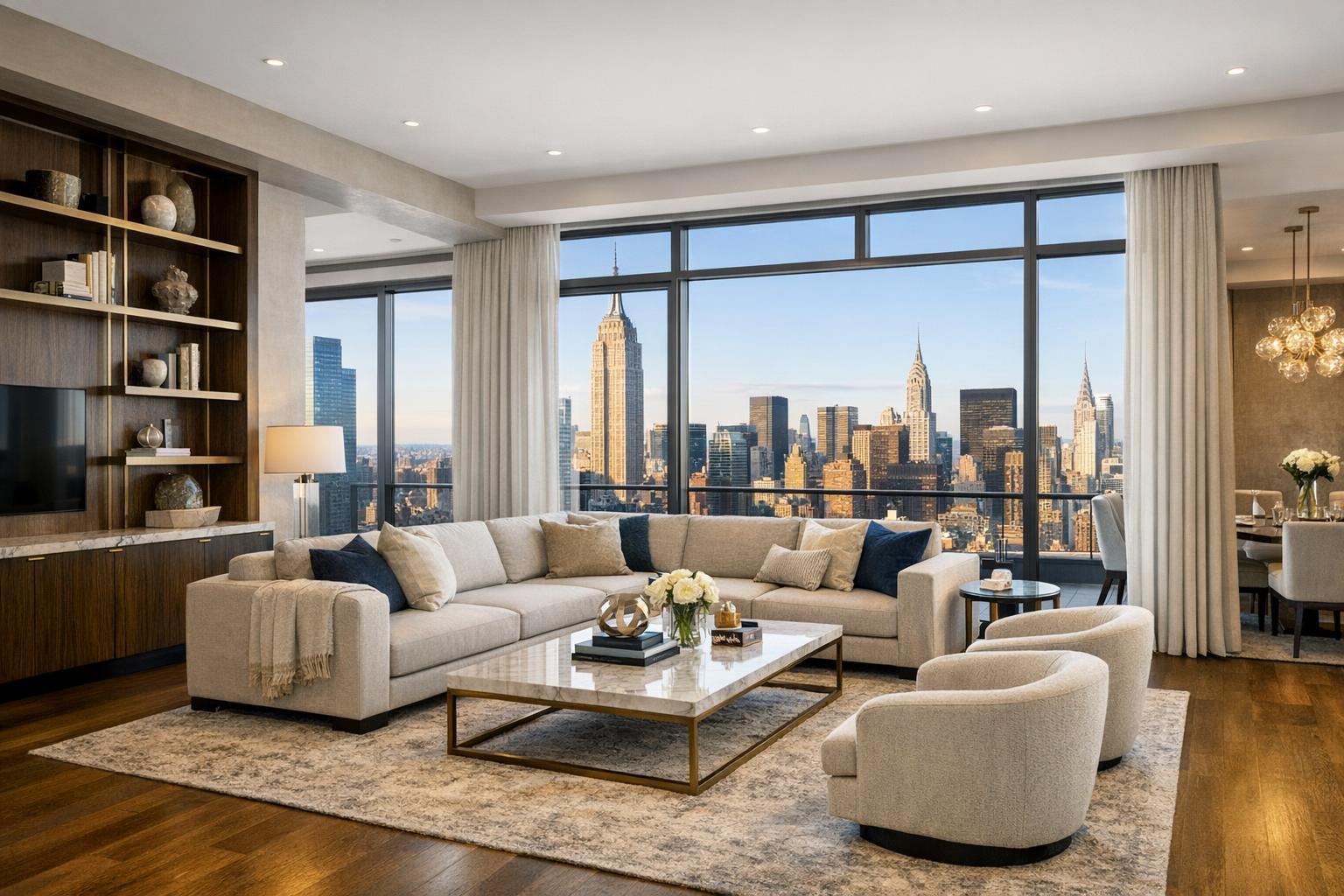
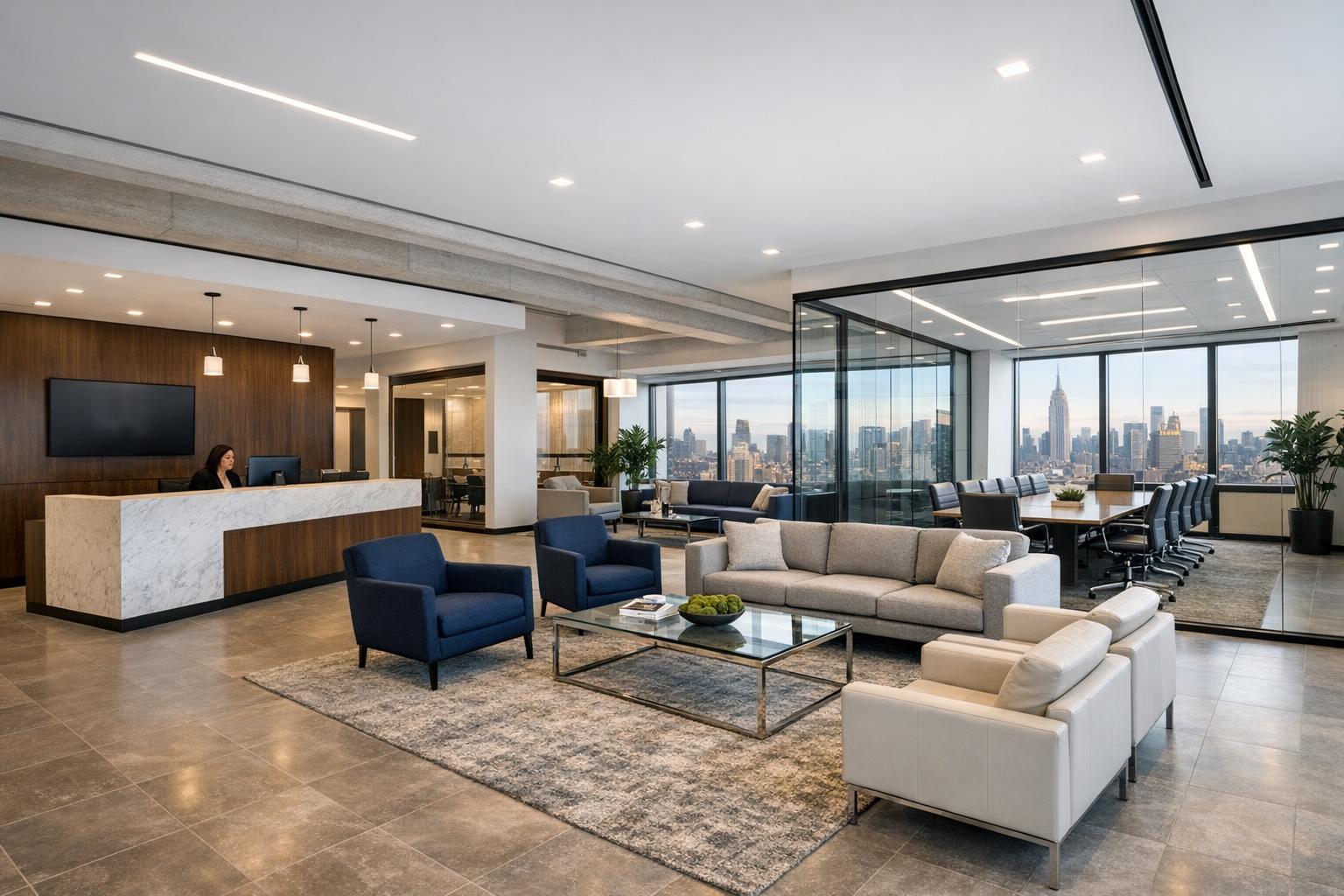
How to Choose Virtual Staging in NYC for a Vacant Listing
The transformation of an empty room into a stylishly furnished living space using virtual staging NYC highlights the potential of the apartment.
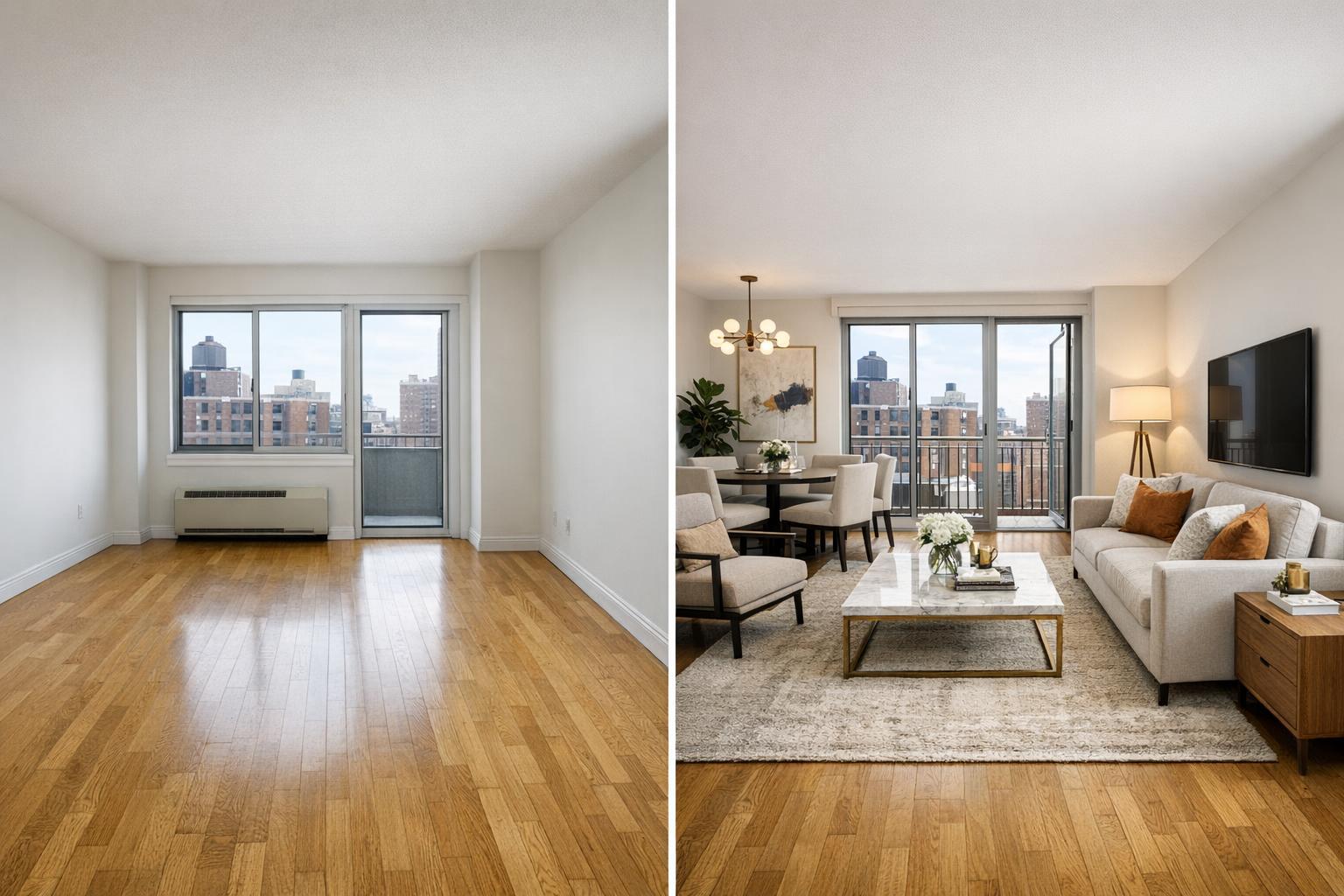
How to Choose Virtual Staging in NYC for a Vacant Listing
Virtual staging in NYC is a practical tool for making vacant listings more understandable and visually inviting without physically altering a space. In a city known for uniquely shaped rooms, varied architecture, and compact layouts, empty photographs can leave buyers struggling to imagine how furniture fits or how each area might function in day-to-day life. Many agents and property owners have found that the right virtual staging can add just enough clarity to support their marketing—if chosen and implemented thoughtfully.
What Makes Virtual Staging Useful for New York Properties
Unlike traditional staging, virtual staging services in NYC allow agents and owners to present a plausible vision of how an empty space could look, using digital furniture and decor. This is essential in markets full of questions like, “Would a queen bed fit here? Where would a dining table go? Could this spare room actually work as a home office?”
Consider the variety of layouts across Manhattan, Brooklyn, and New Jersey:
- Manhattan studios often have alcoves or irregular corners that benefit from visual explanation.
- Brownstones and townhouses feature parlor floors or multi-purpose rooms that lack clear identity when bare.
- Modern condos may offer dramatic finishes and views, but still feel abstract without something to ground them visually.
A well-produced digital staging image answers common buyer questions about proportion, flow, and functionality—while maintaining accuracy and transparency about what’s actually there.
When (and Where) Should You Stage?
Virtual staging makes the most impact when a blank room lacks intuitive context. At RealtaSnap, we recommend starting by evaluating the raw listing photography with a simple question: “What can a knowledgeable buyer really interpret from this image?” If the answer isn’t straightforward, staging can add clarity.
You might prioritize staging for:
- Living rooms with ambiguous dimensions or layout
- Windowed alcoves that could serve multiple uses
- Spare bedrooms or flex rooms likely to raise questions (“office, guest room, or den?”)
- Dining areas open to kitchens or living spaces that need distinction
- Garden or basement spaces in townhomes with less apparent function
- New construction units that can seem sterile until visually “lived in”
It’s not necessary—or helpful—to stage every room. A concise set of well-chosen staged images, mixed with clearly presented unstaged photos, offers both clarity and authenticity.
What Digital Staging Can (and Cannot) Do
Digital furniture staging offers the opportunity to visualize:
- Where major pieces like beds, sofas, or tables would fit
- How open-concept rooms can be divided into functional areas
- Circulation paths relative to windows, doors, and radiators
- A workspace setup in a secondary bedroom or alcove
- The emotional feel of a room, without distracting from real details
But boundaries matter. Virtual staging should not:
- Change the size of a room, move walls, or add windows
- Hide permanent issues or present hypothetical renovations
- Use layouts that wouldn’t actually fit within the room’s real proportions
The digital furniture is there to interpret, not to invent. For example, in a Manhattan one-bedroom, an oversized sectional might look good in a rendering but wouldn’t make sense in person. In a Brooklyn brownstone, stylistic choices should reflect the space’s historic charm rather than creating an out-of-place scene.
How Professionals Decide Which Photos to Stage
Not all images need digital staging. The best results come from focusing on spaces that are:
- Hard to read or size from a bare photograph
- Long, narrow, or oddly shaped
- Designed as open or multifunctional rooms
- Likely to be viewed as “too small” or “undefined” when empty
Spaces with standout features—big views, great light, historic details—may look best without additional furnishings, letting the architecture speak for itself.
Staging should also be believable. Arrangements must respect real boundaries: doors, window placements, built-ins, radiators, and true circulation areas. In compact NYC layouts, scale is everything. Accurately sized love seats, bistro tables, and modest desks often tell a more honest story than oversized sets.
Style Matters: Matching Staging to the Listing and Audience
The impact of virtual staging is about more than just putting furniture in a photo. Style and consistency are crucial. The choices should complement:
- The property’s architectural character
- The likely buyer’s expectations for the price point and neighborhood
- The overall marketing tone of the listing
For prewar apartments and brownstones, that may mean transitional or contemporary furnishings that honor period features without feeling old-fashioned. For dedicated new developments and modern condos, clean-lined, light furniture can emphasize new finishes and airy layouts. When staging smaller spaces, less is truly more—showing a practical arrangement without making the room appear overcrowded.
A provider should never default to a single furniture “package” for every property. Instead, each image should be tailored to both the home and its marketing.
Practical Production Considerations for Staged Images
In practice, AI virtual staging delivers the most natural results on photos of fully vacant, decluttered rooms. Any remaining furniture, boxes, or miscellaneous items create editing challenges and can lead to unrealistic final images. At RealtaSnap, we recommend:
- Removing all furniture and clutter before photography, whenever possible
- Ordering clutter removal edits (as an add-on) if the room can’t be cleared first
- Ensuring rooms are clean, surfaces are bare, and window treatments are open when helpful
This preparation serves two important purposes: maximizing realism and maintaining editing accuracy. Layering digital furnishings over existing objects is almost always visually obvious and is not a service RealtaSnap provides.
Preparation also extends to how photos are captured. Clean verticals, consistent camera height, and careful attention to how windows and architecture are framed all matter. Ensuring even exposure (especially in rooms with large windows or directional light) means staged images will look more believable.
For those considering virtual staging as part of their media strategy, our real estate photography services include clear preparation instructions and a streamlined process for adding staging and advanced edits as needed.
Choosing the Right Virtual Staging Partner: Key Questions to Ask
Not all virtual staging services in NYC are created equal. When evaluating providers, agents and owners benefit from considering more than just sample images or lowest-rate ads. Ask:
- Will the provider work with professionally photographed, high-quality images?
- Do their furniture choices fit the style, size, and audience for your property?
- Will they stage only the rooms that need explanation, not the whole listing?
- How do they handle existing furniture or clutter in the image?
- Will important details—windows, built-ins, finishes—remain visible?
- Is there a straightforward revision process for tweaks or changes?
- How are staged images labeled or disclosed, per brokerage or MLS rules?
- Can they maintain style consistency across all staged rooms?
Look beyond surface-level attractiveness: shadows, angles, and perspective should look natural, and the staged scenes should accurately represent the space, not distract from its real assets.
Disclosure and Transparency in Digital Media
Virtual staging images are not photographs of the property as furnished. It’s essential—and often required by listing platforms, brokerages, or local rules—to disclose which images have been digitally staged. A simple “Virtually staged” label, especially for images where room use is only one of several possible layouts, helps manage expectations and maintain trust.
It’s especially important to be transparent when representing flexible spaces, such as rooms digitally staged as a home office, nursery, or dining room.
Coordinating Photography and Virtual Staging From the Start
The strongest results happen when virtual staging is planned as part of the initial listing photography strategy, not rushed as an afterthought. Clear room preparation, careful composition, and direct communication between agents and photographers help ensure that staged images connect visually and conceptually with the unstaged shots.
For properties with unclear layouts, combining staged images with an accurate floor plan—ideally produced from on-site measurements—can provide the most complete picture. Staging helps buyers visualize, while the floor plan explains broader spatial relationships.
RealtaSnap offers both virtual staging and floor plans, making it easy to coordinate your listing’s visual marketing in one place.
The Value of Virtual Staging for New York and New Jersey Listings
Not every vacant image requires digital furniture to be effective. The best-staged listings combine honesty with visual guidance, helping buyers and renters interpret spaces confidently. In fast-paced, high-density markets like NYC and New Jersey, clear communication supports stronger decision-making and positive impressions.
If you have a vacant property where empty photos might leave too many questions unanswered, consider how carefully selected and accurately staged images can complete the story.
To learn more about listing photography and virtual staging options for your next NYC or New Jersey property, visit www.RealtaSnap.com.
FAQ
Question: How many images should I virtually stage for a vacant listing in NYC?
Answer: Focus on the rooms where staging provides real context—living spaces, primary bedrooms, dining areas, or flex rooms that are unclear without furniture. Leave spaces unstaged when architectural details, finishes, or views are already clear and compelling.
Question: Can virtual staging be applied to rooms that aren’t fully empty?
Answer: For realistic and professional results, photos should be taken of fully vacant or properly decluttered rooms. If existing furniture is present, clutter removal may be ordered as an add-on before digital staging is applied. This keeps the final staged image clean and authentic.
Question: Is disclosure required for virtually staged images in a real estate listing?
Answer: Most platforms, brokerages, and MLS systems require clear disclosure of digitally staged images. A simple “Virtually staged” label helps maintain transparency and ensures viewers understand that furnishings in the image are digital, not physically present.