How to Build a Practical Real Estate Marketing Plan for NYC Listings
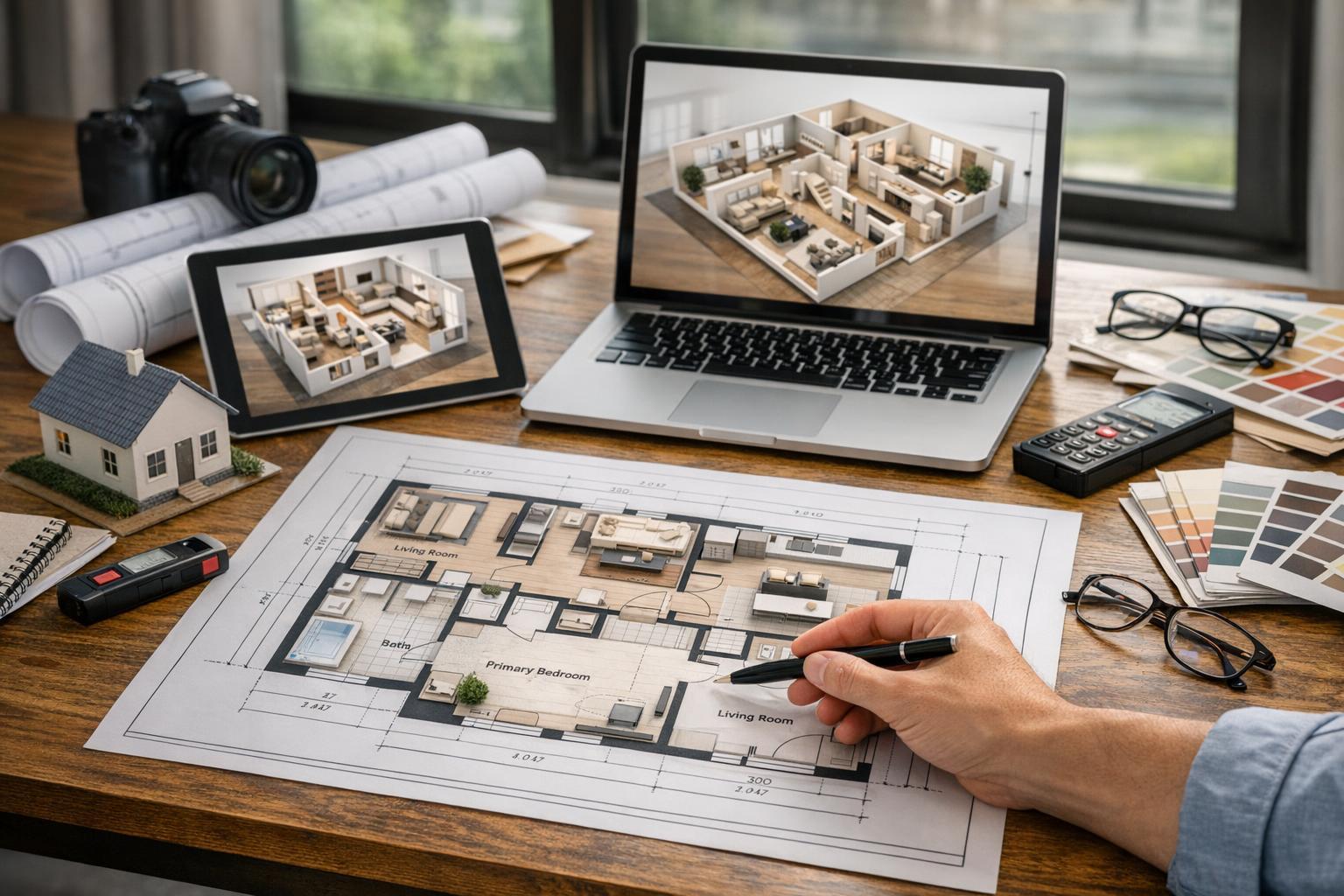
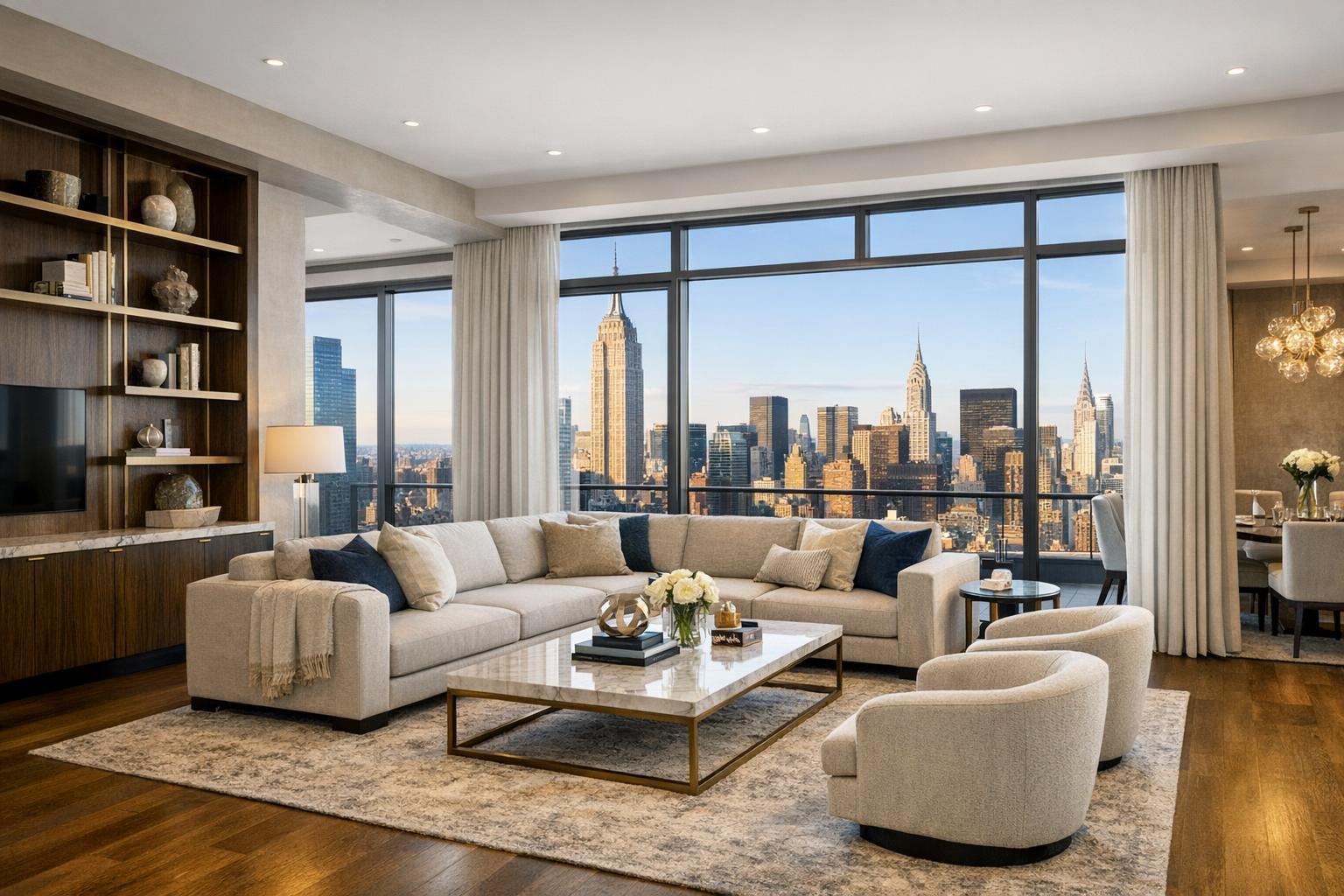
A real estate marketing setup in NYC features a laptop with property listings, various marketing tools, and a backdrop of the city skyline.

How to Build a Practical Real Estate Marketing Plan for NYC Listings
Real estate marketing in NYC begins with a practical question: how can you best present a property so buyers, renters, or tenants understand its true value? In a city where every square foot tells a different story, an effective marketing plan doesn’t start by picking from a menu of media services. Instead, it starts by looking at the listing itself—evaluating its actual features and deciding what tools will make them clearest to the intended audience.
Drawing from our experience producing real estate media across New York City, New Jersey, and neighboring markets, here’s an editorial field guide to designing a property marketing plan that works—without wasted effort, confusion, or mismatched assets.
Why Begin With the Property, Not the Media
It’s easy to get overwhelmed by all the options: photography, video, 3D tours, drone footage, floor plans, virtual staging, and more. But no two listings should get the exact same treatment. The right approach starts with the facts—things like layout, window exposure, ceiling height, finishes, amenities, outdoor spaces, and even neighborhood context.
Ask: What would a prospective buyer or tenant most want to see? Where might they get confused if all they had were basic photos and a description?
- Maybe it’s a Brooklyn brownstone with a dramatic staircase.
- Maybe it’s a bright corner condo with skyline views.
- Or a compact studio where the layout isn’t obvious.
Making a quick inventory of marketable features will guide your choices. For instance:
- Floor plans help clarify unconventional layouts.
- Video works well for properties where movement between rooms is important.
- Virtual staging can help when rooms are empty and difficult to visualize.
A good media plan makes the property shine by focusing on what it is—not forcing every possible asset just because it’s available.
Align Media With the Questions Buyers Actually Ask
Different media answer different questions. Here’s how we think about matching content to the property’s story:
Photography: The Foundation
Professional photos anchor almost every marketing plan. Strong, well-edited images allow viewers to see both the atmosphere and detail of the space—scale, light, finishes, and relationships between rooms.
A few real-world tips:
- Wide shots help explain spatial relationships, but too many angles can create confusion, especially in smaller properties.
- Well-composed detail shots are worth including for design features like fireplaces, tilework, or signature appliances.
- For context, sometimes it’s critical to show a view, terrace, or striking exterior feature—especially if that element will drive interest.
Video: Movement and Flow
Video shines for listings where how you move through the space matters—think townhouses, multi-level condos, or open layouts. Unlike slideshows, real listing videos are captured on-site, allowing agents to communicate the property’s flow, character, and lifestyle in a way that still images can’t.
Small details make a difference:
- Preparing the property for video means clearing counters, hiding clutter, and making sure spaces are open for smooth movement.
- The goal is to help viewers “walk through” the home—seeing how rooms connect, how a terrace opens from the living space, or how light changes from one end of a loft to the other.
Floor Plans: Making Space Understandable
A well-drawn floor plan is indispensable for properties with unusual or complex layouts. Especially in NYC co-ops and condos, buyers often want to check if the space matches their needs before scheduling a showing.
Remember:
- Floor plans require a qualified professional to visit the actual property. They can’t be recreated from PDFs or old drawings.
- Common questions floor plans answer: Where are bedrooms and bathrooms relative to each other? Is there a gallery or foyer? How does the space connect to outdoor areas?
3D Tours: Enabling Remote Walkthroughs
Digital 3D tours (like Matterport) are valuable for buyers or renters who need a more immersive, interactive look—often those relocating, purchasing remotely, or managing a packed schedule.
To be effective, 3D scans must be done on-site, and the property should be prepped as if for an open house, because viewers can navigate every angle, peek in corners, and linger in any room.
Aerial and Drone Media: Context for the Exterior
Drone photography and video can help showcase exteriors, roof decks, gardens, or relationships to nearby parks, water, or views. In dense urban areas, feasibility depends on factors like airspace, weather, roof access, FAA rules, and pilot discretion. When it works, aerial imagery adds valuable context that’s otherwise hard to see.
Virtual Staging: Reading the Potential of Empty Rooms
Empty apartments can be a challenge—buyers may wonder, “Can that room fit a queen bed?” Virtual staging offers one possible furnished scenario, but it works best on fully vacant rooms. If furnishings are still present, they’ll need to be removed physically or through a professional declutter edit first.
Don’t Overlook the Practical Stuff: Scheduling and Logistics
In NYC (and many parts of North Jersey), access isn’t always simple. Every building and property type has its own quirks—think co-op entry rules, freight elevator reservations, amenity-area approvals, parking limitations, or lobby security. We see marketing plans fall apart when logistics are left for the last minute.
Before confirming your media shoot, double-check:
- Building access procedures (keys, doormen, management sign-off)
- Elevator and freight rules
- Any required insurance or permits
- Access to shared amenities or rooftop areas
- Timing with occupant schedules
For occupied homes, an advance walkthrough to clear everyday clutter, tidy rooms, and hide sensitive items keeps the final photo set clean and distraction-free. Brownstones and larger homes may need added planning for stairways, gardens, and multi-level coverage. For new developments, coordination with on-site sales or leasing teams is often key.
Media Distribution: Think in Channels, Not Just Assets
Every listing doesn’t need every media type posted everywhere. Tailor your media to how you actually market:
- Listing Platforms: Main photo sets, critical information, plus a floor plan or 3D tour as a bonus where possible.
- Your Website/Brokerage Sites: Room for a full gallery, video walk-throughs, amenity images, and interactive assets.
- Email Campaigns: A lead photo, a concise message, and a direct link to the full listing or a 3D tour.
- Social Media: Short video clips or stand-out room images get more attention than complete galleries.
- Buyer/Broker Direct Outreach: Pick the asset that best answers likely questions—a floor plan for layout, a video for flow, or a 3D tour for remote decision makers.
The advantage of a coordinated shoot is reuse: you can create a mix of assets in one appointment and repurpose them for different channels without needing multiple sessions.
A Sensible Framework: Match Assets to Listing Needs
A streamlined decision process helps keep your budget focused:
- Studio or small one-bedroom: Photography plus a floor plan if necessary to clarify layout.
- Renovated apartment with great views or finishes: Photography; add video if flow, entertaining spaces, or views are a main draw.
- Vacant condo or rental: Photography and virtual staging for empty rooms; floor plan if layout clarity is essential.
- Townhouse or brownstone: Photography, video, and floor plan; aerial (drone) media when exterior context is relevant and allowed.
- New development unit: Photography, video, 3D tour, amenities as available; select the right mix based on your marketing plan.
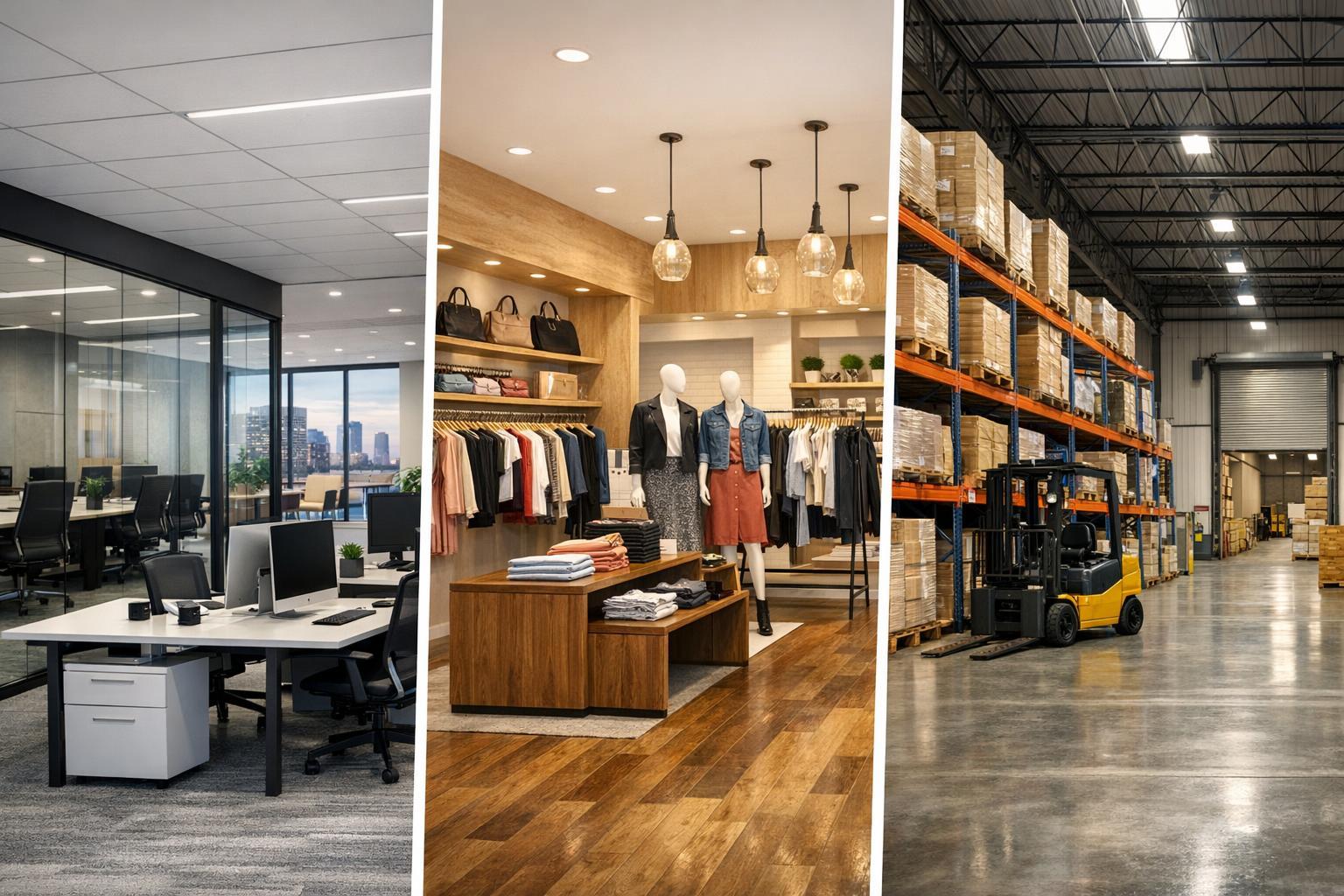
- Commercial or mixed-use property: Tailored mix—photography, possible 3D tour or floor plans, and aerial only if context supports.
This structure makes it easy to explain to sellers why you’re recommending specific media, not just checking off a list.
Keep Production and Communication Simple
Coordinating production with a single provider can streamline scheduling, logistics, and creative consistency. RealtaSnap offers a coordinated portfolio of photography, video, 3D tours, floor plans, drone media, and virtual staging for properties across NYC, New Jersey, and select nearby regions.
Booking is straightforward and handled online—just enter the address, select the services you need, add any special instructions, and choose a time on the calendar. Schedule your appointment here. You’ll see all available options, can pay securely, and will get appointment confirmations and reminders.
Every Asset Should Pull Its Weight
A practical real estate media plan in NYC doesn’t try to homogenize listings. It aims to make a small space crystal clear, showcase the progression in a brownstone, and give buyers a vivid sense of both space and lifestyle in a new development. Start by evaluating the property’s actual selling points. Select the media that will answer real audience questions. Then distribute those assets with the local market and your channels in mind.
For a coordinated media experience (and less hassle during production), visit www.RealtaSnap.com.
FAQ
Question: Do all NYC listings need every type of media—photos, video, floor plans, 3D tours, drone, and virtual staging?
Answer: Not at all. Professional photography is nearly always the foundation, but additional media should be selected based on a property’s unique features and the questions buyers or renters are likely to have. For example, a straightforward one-bedroom may only need photos and a floor plan, while a townhouse or new development might benefit from video or a 3D tour if the layout or story is complex.
Question: What should I prepare before a shoot in a co-op, condo, or building with tight rules?
Answer: Confirm access with building management in advance, including any visitor policies, elevator reservations, or required certificates of insurance. Inside, tidy up, reduce visible clutter, clear countertops, and make sure all rooms to be captured are accessible. If you plan to photograph amenities or outdoor spaces, arrange access before appointment day to avoid delays.
Question: Can I order virtual staging for a room that already has furniture?
Answer: Virtual staging is designed for empty rooms. If the space has existing furniture, it should either be physically removed prior to the shoot or professionally removed via a declutter edit before virtual furniture is added. This ensures the staged images look realistic and accurately reflect the room’s layout and condition.