Virtual Staging NYC: What Agents Should Know Before Marketing an Empty Listing
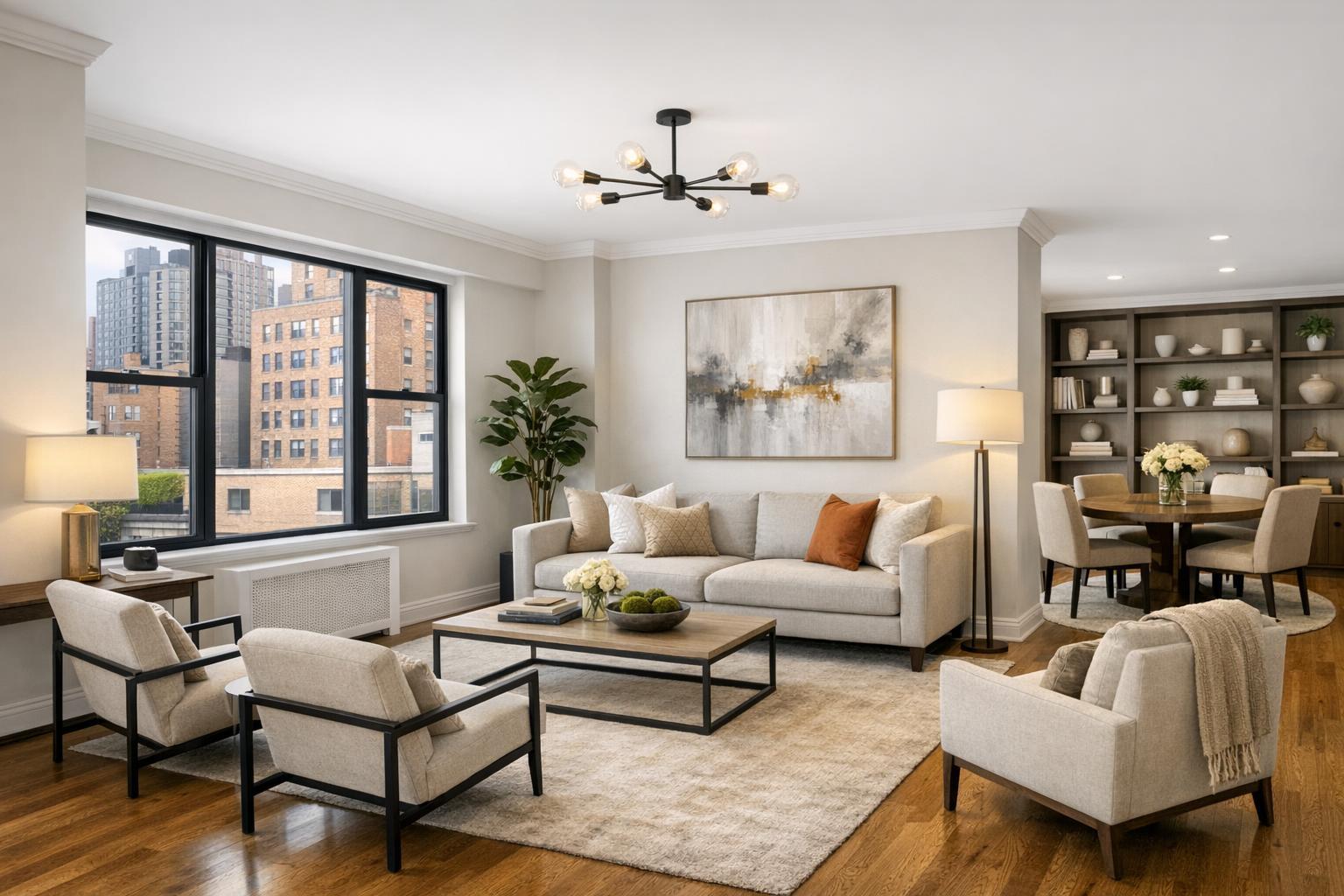
A beautifully arranged NYC living space showcases virtual staging with modern furniture, neutral tones, and artistic decor against a backdrop of city buildings.
Virtual Staging NYC: What Real Estate Pros Should Consider Before Marketing a Vacant Listing
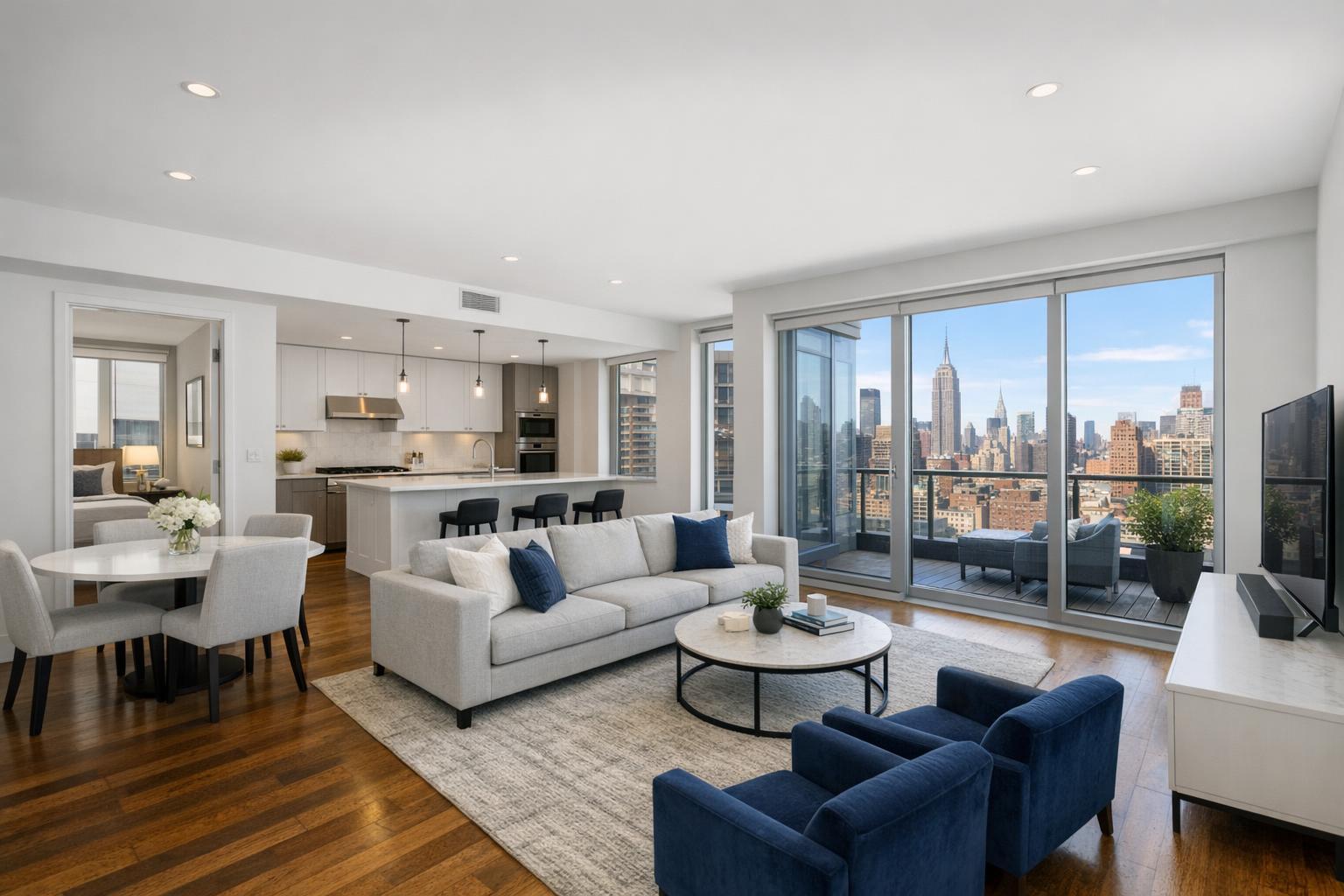
Virtual staging in NYC has become a practical tool for real estate professionals aiming to present empty properties in their best light. Whether you’re working with a Manhattan co-op, a Brooklyn brownstone, a sleek condo, or a new development rental, the challenge remains the same: empty rooms are often hard for online viewers to interpret. Virtual staging services in NYC help bridge this gap by digitally furnishing photos with realistic furniture and decor—making it easier for buyers or renters to visualize a space’s potential without altering the property itself.
Rethinking the Purpose of Virtual Staging
Virtual staging isn’t about showing off what could be after a major renovation. It’s a presentation tool, not a renovation proposal. The goal is to offer a credible, appropriately furnished concept for the existing room—keeping windows, walls, and fixtures visible and unchanged. In the NYC market, where room size and shape can make or break a deal, the right virtual staging can answer the crucial question, “Will this room work for my needs?”
A few examples of what thoughtfully staged photos can accomplish:
- Demonstrate how a compact nook can fit a desk or dresser.
- Show a living space arranged for conversation, entertainment, or work-from-home.
- Reveal how a second bedroom might flex as an office or guest room.
- Clarify whether a primary bedroom can fit a queen bed and nightstands.
- Define zones in an open-concept layout, using realistic furniture scales.
Virtual staging should always stay true to the bones of the property. Digitally removing walls, adding built-ins, or pretending the kitchen is somewhere it isn’t will only lead to confusion and potentially violate listing regulations.
Why Empty Listings Are Tougher to Read—Especially Online
There’s a difference between clean and clear. Empty rooms often photograph well because they’re clutter-free, but those same photos can look ambiguous when it comes to function and scale. Is the living room oversized, a tight fit, or oddly shaped? Without at least some visual reference, it’s anyone’s guess.
NYC’s housing stock creates unique virtual staging challenges:
- Manhattan apartments and condos: Space is at a premium, so virtual staging can show how to combine living and dining in creative ways without blocking pathways or overwhelming the space. For classic pre-wars, acknowledge period details. For newer condos, opt for clean lines and modern pieces.
- Brooklyn brownstones and townhomes: Larger rooms with high ceilings or original moldings can look especially blank. Staged images help illustrate the role of each floor—parlor, garden level, flex spaces—and draw attention to special features like bay windows or fireplaces.
- Rental listings: Vacant rentals may struggle to convey how a layout functions. Simple, contemporary digital furniture can help prospects quickly grasp how they might live in the space.
- New development units: With pristine finishes but no existing furniture, new units often feel impersonal until a visual concept ties together scale, finishes, and potential use. Staging each unit in the same way is a pitfall; it’s best to maintain a consistent vibe without duplicating identical scenes from one listing photo to the next.
Prioritizing Rooms with Real Impact
There’s no need to stage every room—often, less is more. The most effective virtual staging highlights strategic areas that can swing a decision. Start with rooms that are difficult to understand or likely to prompt buyer questions:
- Living room: Usually the heart of the listing, especially with open layouts or unusual dimensions.
- Primary bedroom: Placement of the bed, nightstands, and walking space is key.
- Dining area: Especially if it’s integrated with a kitchen or living space.
- Ambiguous spaces: Home offices, nurseries, dens, or bonus rooms benefit from a defined purpose.
- Large, empty basements or dens: A visual use concept—media room, gym, playroom—helps viewers imagine possibilities.
Other areas—such as kitchens, baths, hallways, and closets—tend to speak for themselves and don’t usually benefit from digital staging.
A practical approach is to offer both unstaged and staged versions for at least one tricky space, so viewers can compare the room’s real layout with a suggested furnishing plan.
Style, Scale, and Architectural Honesty
Effective virtual staging walks a line between fitting in and standing out. The best results are style-appropriate—they match the room rather than following fleeting trends. A brownstone should have a layered, slightly traditional look; a glossy new condo can handle sleeker, minimalist concepts. For all NYC and even New Jersey listings, scale is just as important: oversized sectionals, beds that eat up all the floor space, or tables that block doorways make rooms feel less usable.
Considerations we recommend:
- Respect architectural sightlines, windows, and built-in features.
- Avoid over-furnishing or crowding.
- Select pieces that make sense for the likely buyer or renter pool—don’t let the decor outshine the property.
- Remember circulation routes: leave enough space for people to move naturally through the room.
The Foundation: Good Photography
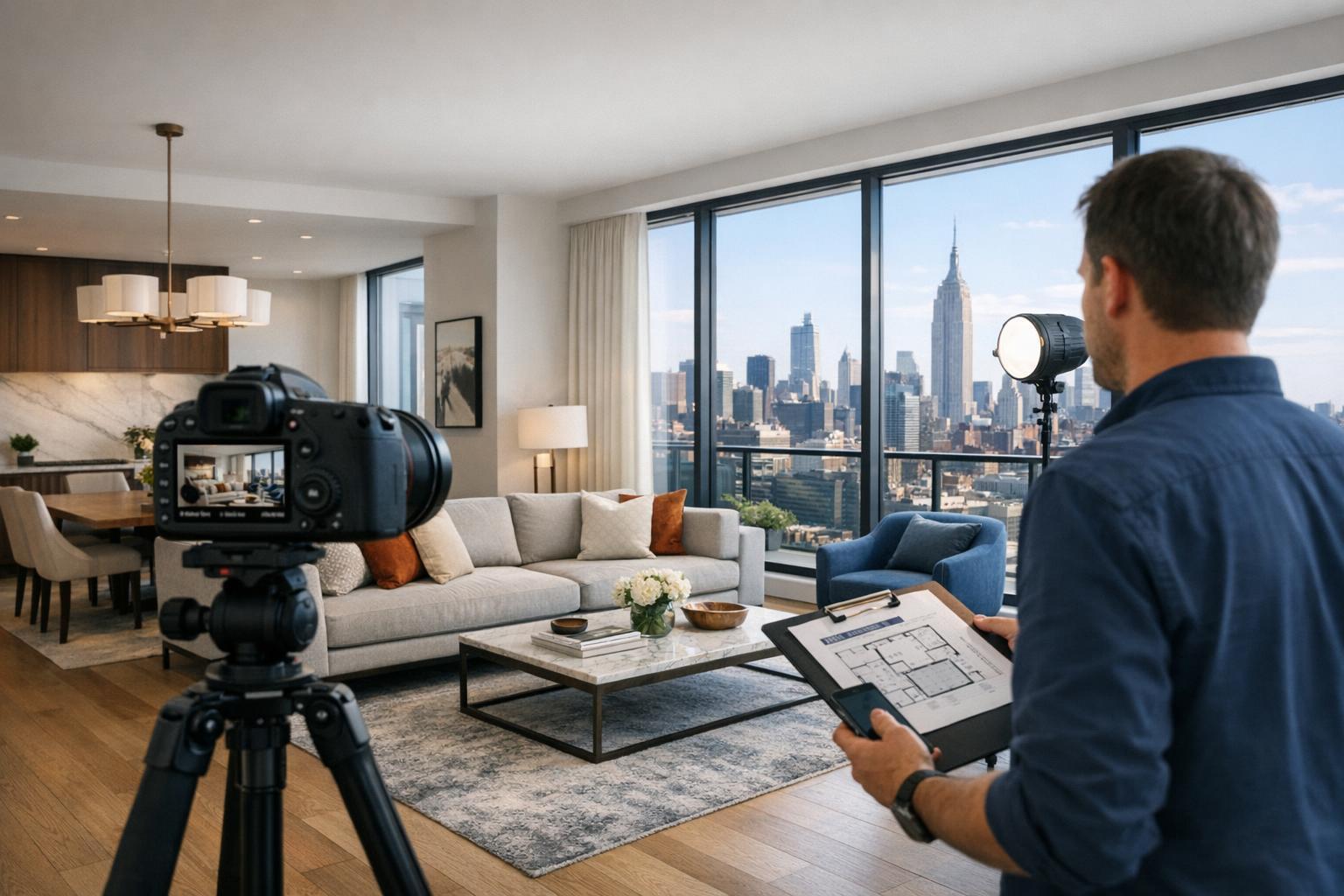
Virtual staging services in NYC depend on solid photographic foundations. Well-shot, unstaged photos set the stage (literally) for convincing digital enhancements. That means rooms must be decluttered prior to the shoot—remove boxes, cleaning supplies, personal items, and random window coverings. Balanced exposure and natural-looking lines allow for seamless furniture placement in post-production.
Operationally, it’s critical to start with empty rooms. Virtual staging is not designed to simply layer digital items on top of existing furniture or clutter. If a room isn’t clear, arrange for clutter removal first, or physically empty the space before photo capture. This reduces visual inconsistencies like furniture overlap and gives the final staged photo a much more believable look.
RealtaSnap offers virtual staging as an add-on to listing photography, which helps keep the media workflow coordinated from shoot through final edit. For current pricing and options, visit RealtaSnap.
Clarity and Compliance: Disclosing Staged Photos
Best practice—and sometimes platform or brokerage policy—requires labeled disclosure any time furnishings are digitally added. This can be handled in the image caption, description, or using a platform-specific “virtually staged” label. Clear identification is even more important if both empty and staged versions of the same room are shown, helping viewers understand what’s real and what’s conceptual.
Before publishing, double-check whether your MLS, brokerage, or advertising platform has specific requirements for how to display or label virtually staged images.
Prepping for Virtual Staging: A Quick Checklist
A well-planned approach helps prevent extra rounds of revisions or confusion:
- Identify rooms where staging will clarify layout or scale.
- Match staging style to the property’s architecture and likely audience.
- Remove furniture or order clutter removal before shooting.
- Request both staged and unstaged versions for key spaces, when useful.
- Confirm platform policy for labeling staged images.
For smaller units, one or two staged images may do the job. Larger homes, brownstones, or new developments might call for coordinated sets showing the living room, dining area, main bedroom, and one flex space. The number of staged rooms should follow the property’s needs, not a predetermined rule.
Integrating Virtual Staging into the Media Workflow
Staging is most effective when anticipated in advance, not added as a last-minute fix. Clear communication with your photographer helps. Let your media provider know:
- Which rooms need to be staged.
- If any furniture will be removed.
- Any stylistic direction matching the property.
RealtaSnap coordinates on-site capture and virtual staging to keep the project visually consistent and organized from start to finish. When planning your listing media—especially for vacant properties—think through your full scope early for an efficient, seamless appointment. For more about how we handle photography and staging for NYC and NJ listings, see RealtaSnap services.
Giving Empty Spaces Context—Without Overstepping
Empty rooms don’t have to look unfinished or confusing online. Well-executed virtual staging gives buyers and renters the extra context they need to see layout, function, and scale—while keeping the true property features front and center. A restrained, appropriate approach that fits the listing and follows disclosure guidelines will make the best impression.
For detailed information on packages, process, or to schedule your next listing, visit www.RealtaSnap.com.
FAQ
Question: How many photos should be virtually staged for a vacant listing in NYC?
Answer: Focus on the rooms that benefit most from added context—typically the living room, primary bedroom, and any space with an ambiguous use. For compact apartments, one or two staged images are often enough. Larger homes or multi-level listings may need more, but there’s rarely a need to stage every room.
Question: Can virtual staging be applied over existing furniture or cluttered rooms?
Answer: Virtual staging is designed for clean, empty spaces. Digital furnishings shouldn’t be layered on top of existing items. If a room contains unwanted furniture or clutter, these should be physically removed before photos are taken, or a clutter removal edit should be completed prior to staging.
Question: Does virtual staging require special labeling in NYC listings?
Answer: Most platforms, brokerages, and MLS systems do require that digitally staged photos be clearly labeled. This can vary between organizations, so it’s important to check requirements and handle disclosures appropriately—generally with a caption or “virtually staged” note in the listing.
If you ever need advice about preparing a listing for virtual staging or want to coordinate a full media package, we’re happy to help at www.RealtaSnap.com.